Test Suite
Overview
The Test Suite module enables you to organize, manage, and execute multiple test flows within a specific version. It also allows you to associate datasets, configure test environments and databases, and control how and when tests are run.
By grouping related flows into a single suite, you can streamline regression testing, ensure consistent execution settings, and automate scheduled runs.
Create a test suite
To create a test suite, follow these steps:
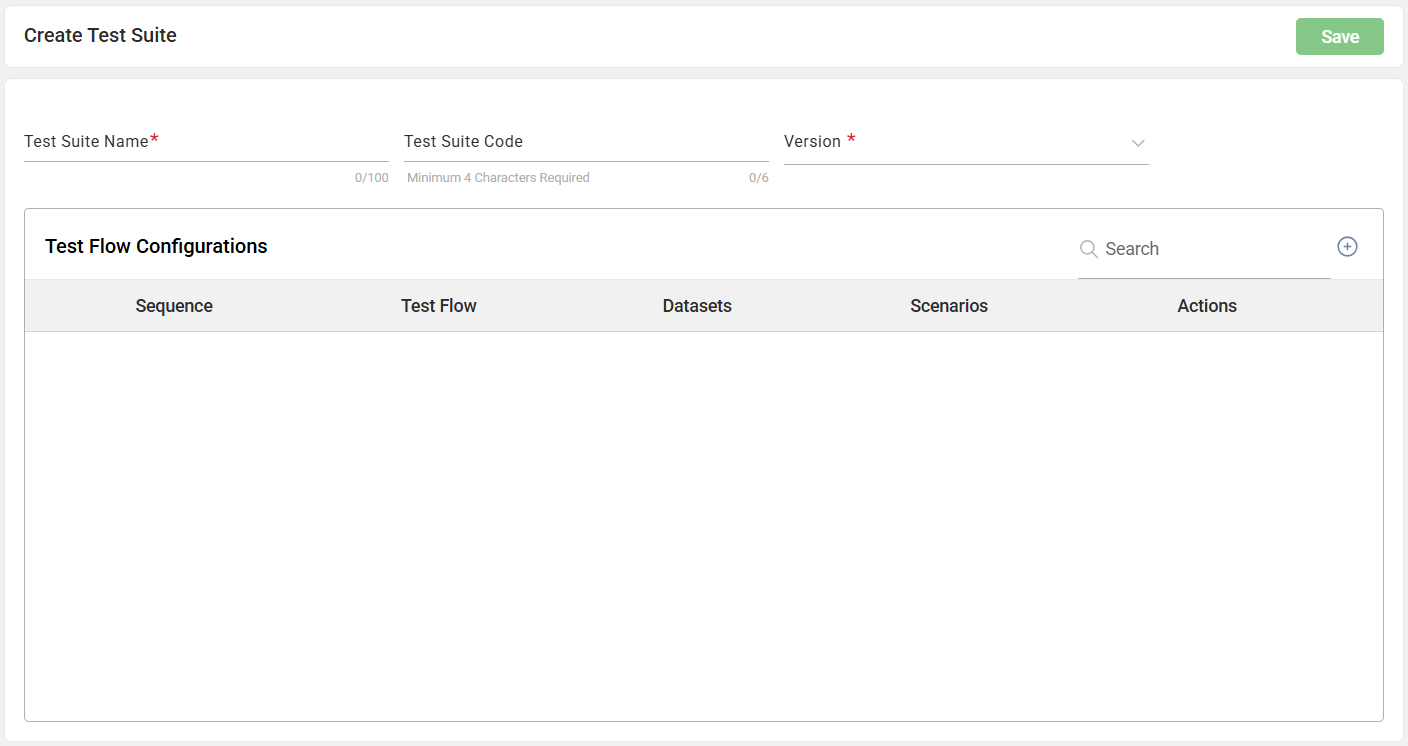
- Click the + button beside the Search textbox.
- Enter a valid value to the Test Suite Name textbox. The Test Suite Code field is automatically filled with a system-generated code based on the entered test suite name.
- Select the version from the Version dropdown.
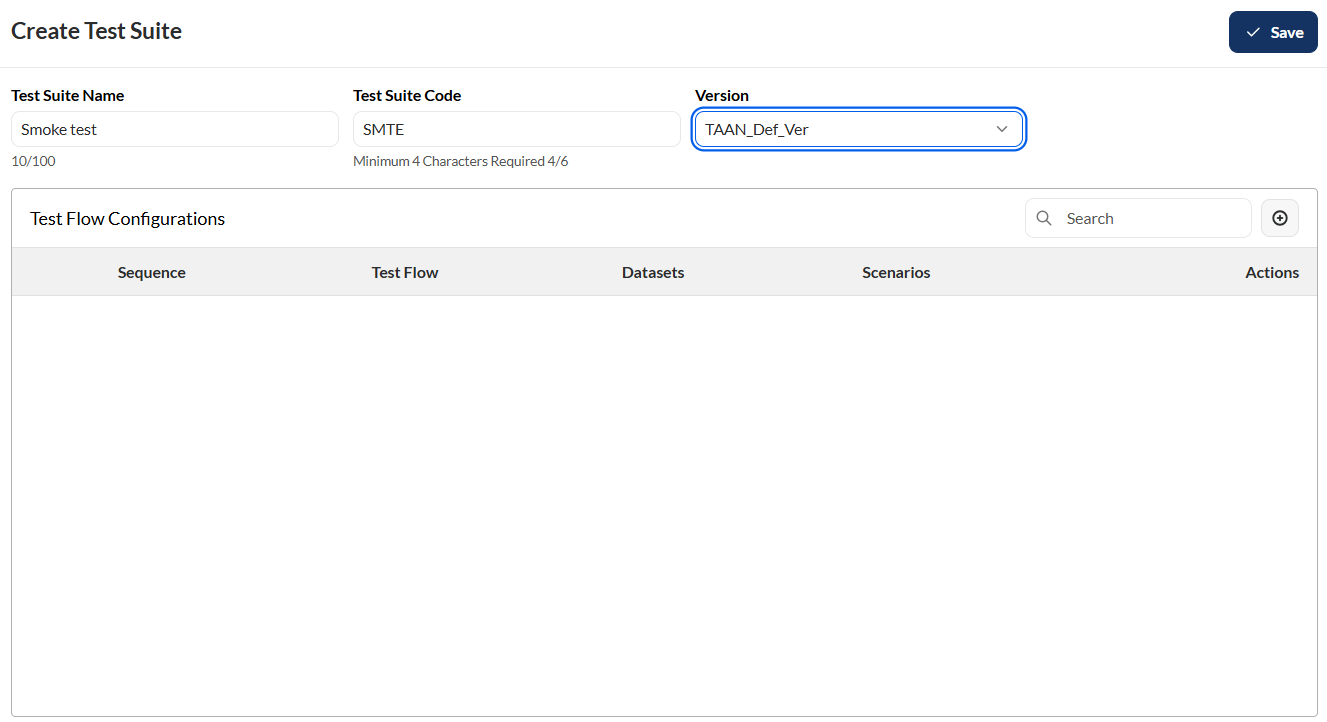
- Click the Save button.
Add a flow
To add a flow to the test suite, follow these steps:
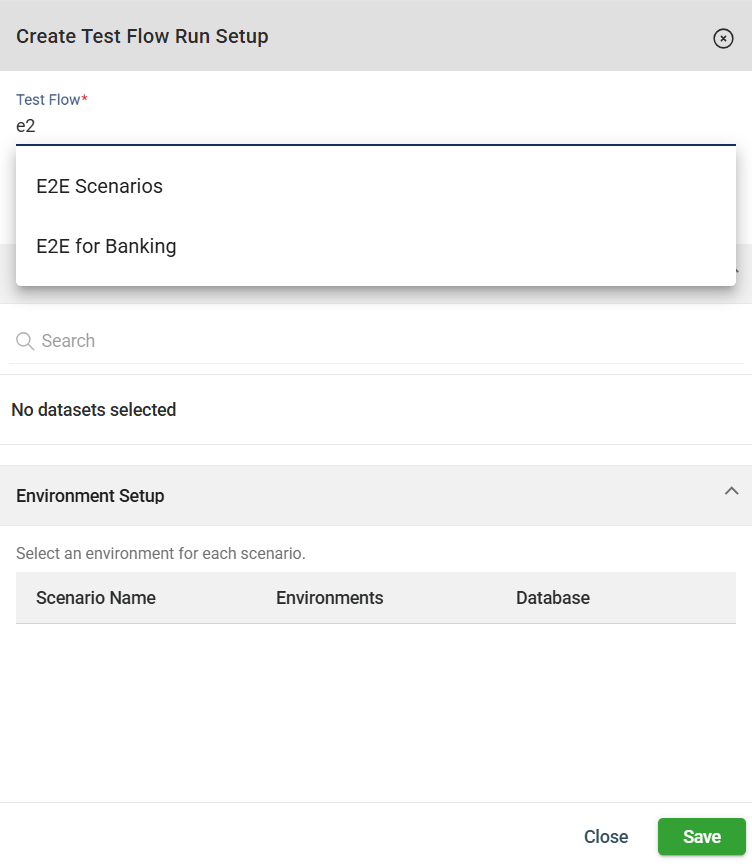
- Click the + button in the Test Flow Configurations section.
- Search the flow you wish to add from the Test Flow field. Note that only the flows associated with the selected version will be displayed.
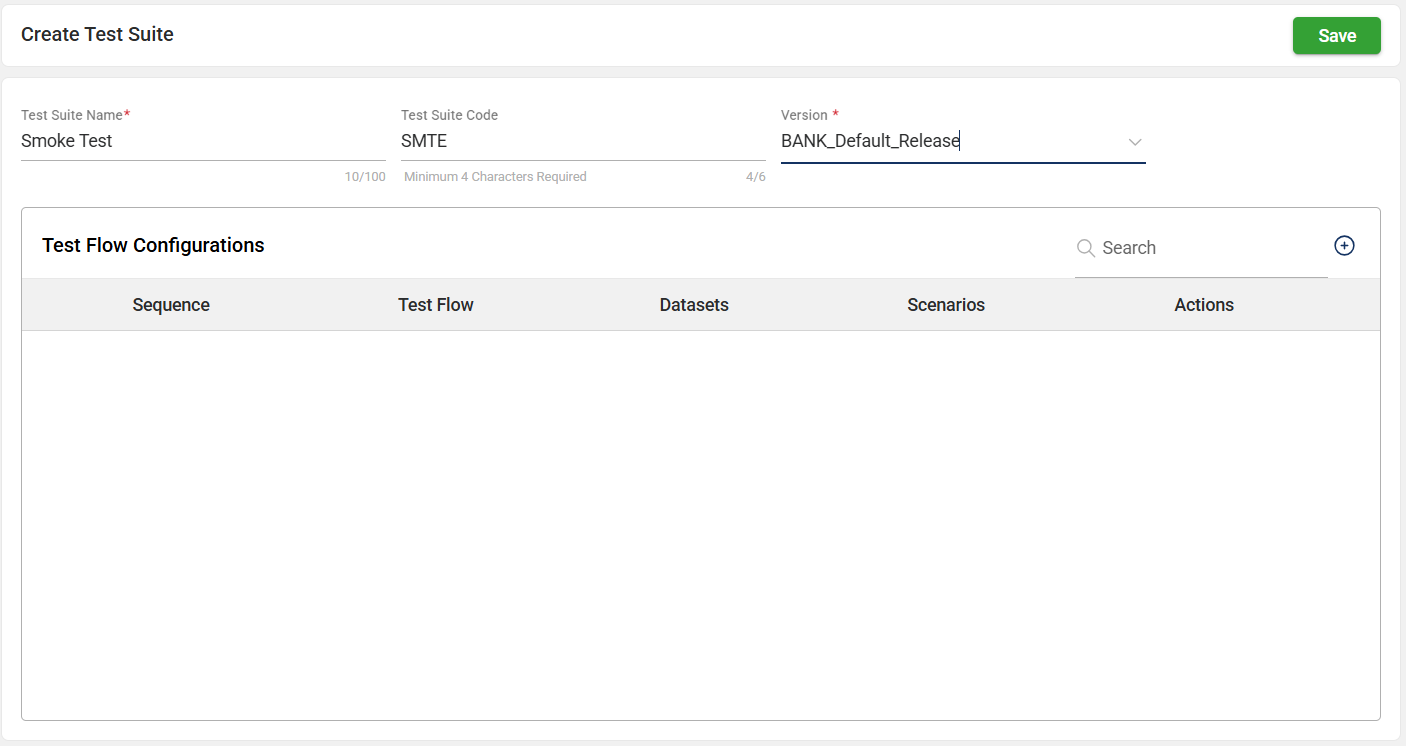
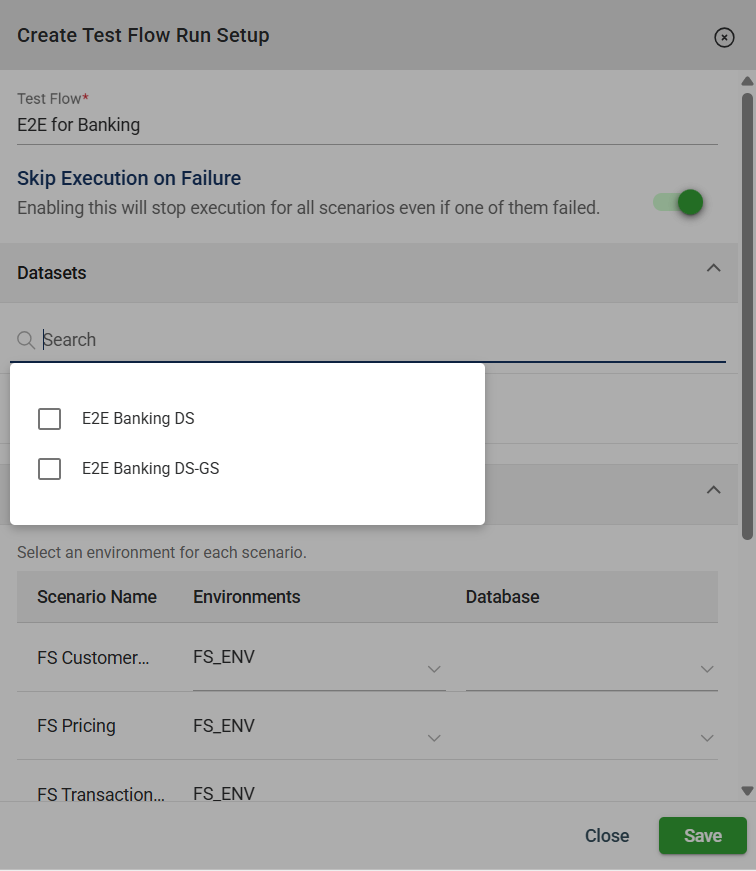
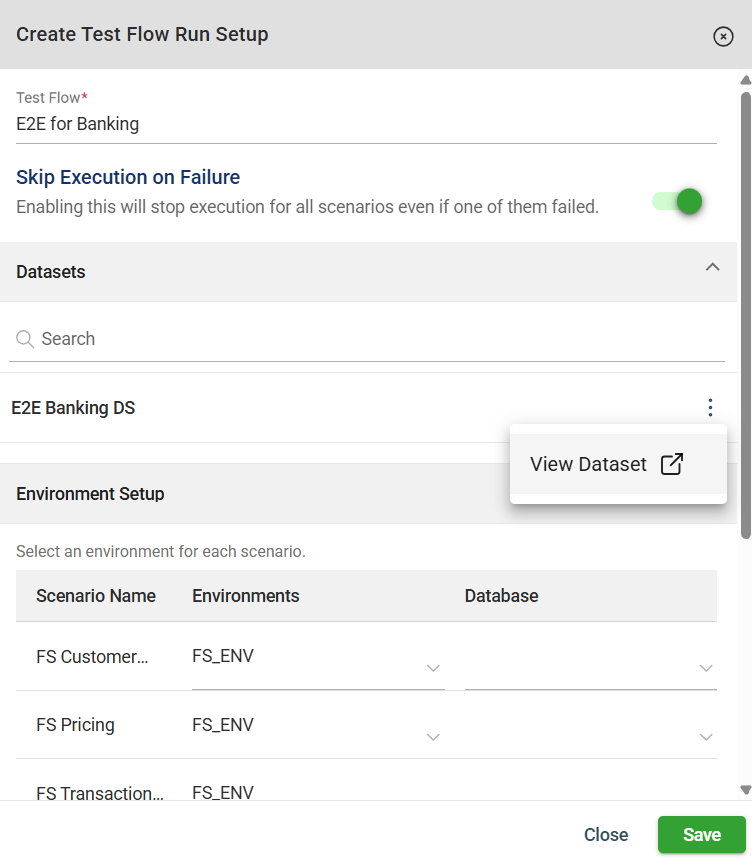
- Select a dataset or multiple datasets from the Dataset field. Note that only the datasets associated with the selected version will be displayed.
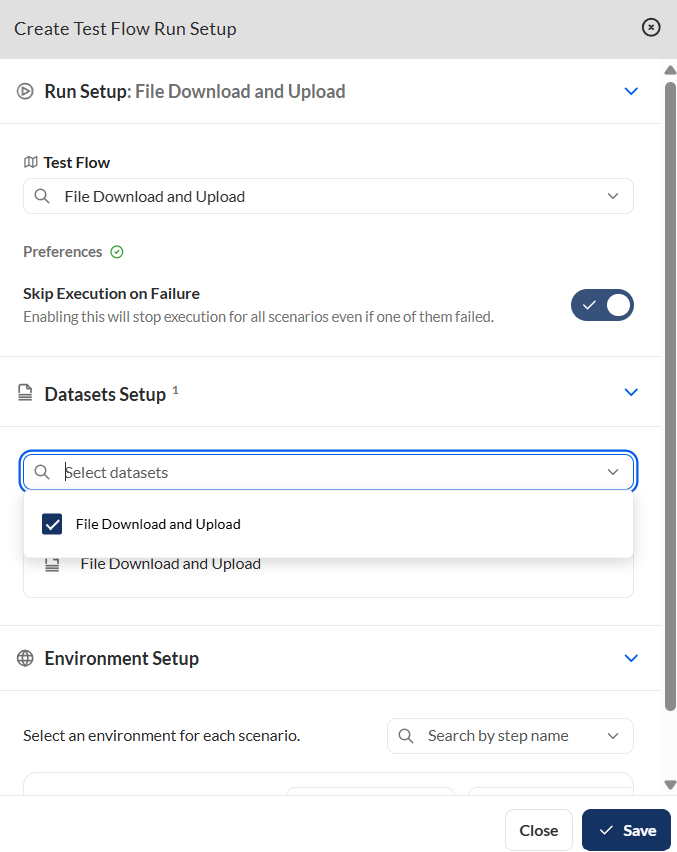
- Configure the environments and databases of the listed scenarios.
- Click the Save button.
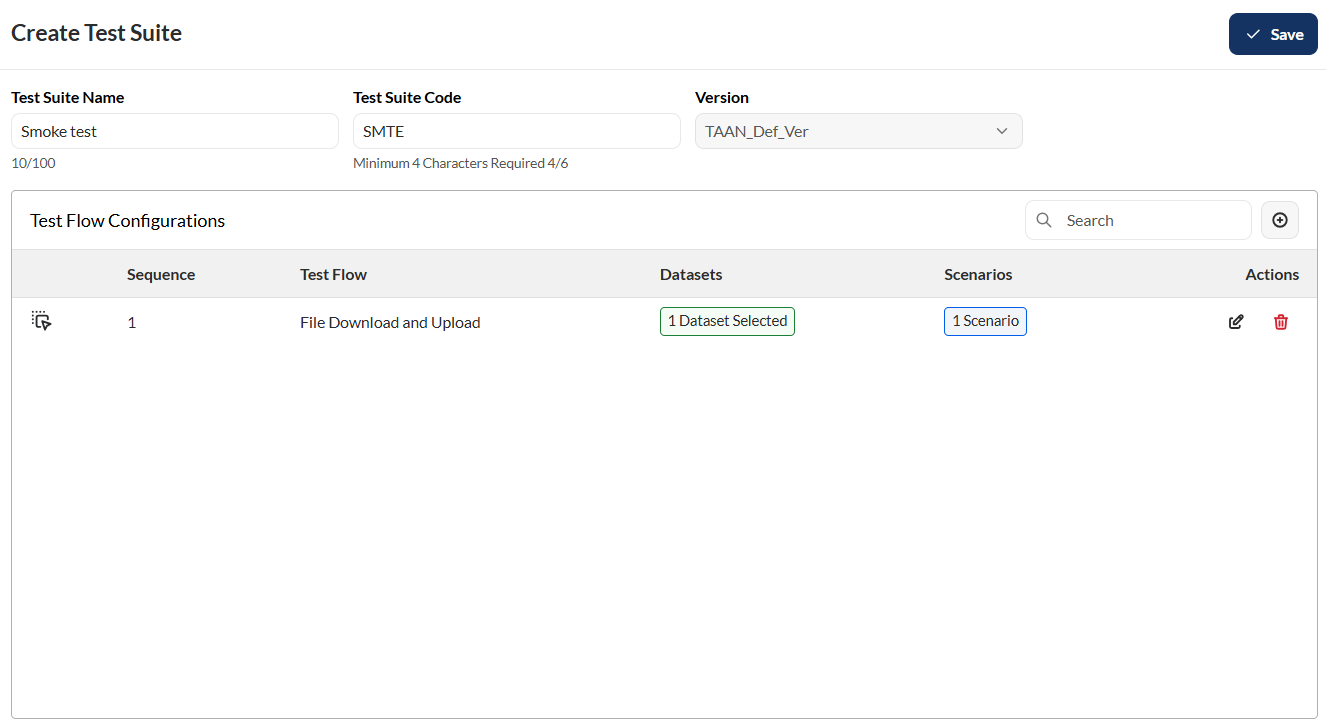
- Optional. Repeat steps 2-5 to add more flows.
- Click the Save button.
Schedule a run
To configure the schedule of the test suite run, follow these steps:
-
Click the Schedule button.
-
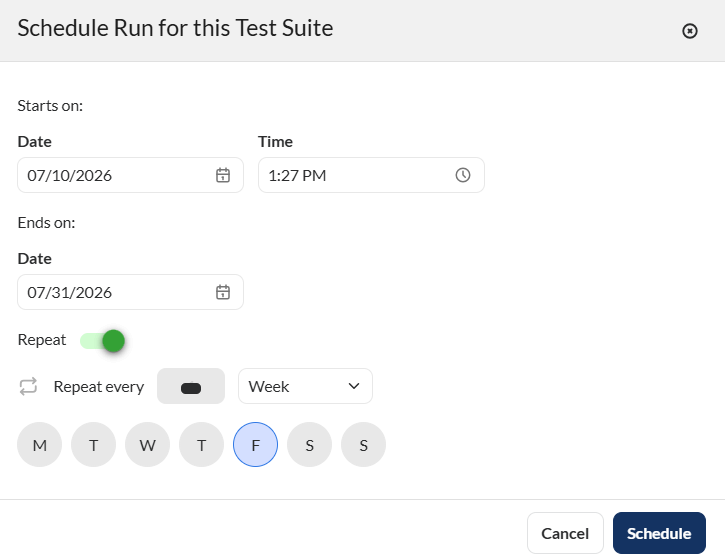
Enter valid values in the following fields.
| Field | Description |
|---|---|
| Starts on > Date | Date when the scheduled run will begin. |
| Starts on > Time | Time when the run will start on the selected date. |
| Ends on > Date | Date when the scheduled run will stop recurring. No runs will be triggered after this date. |
| Repeat | Specifies the recurrence pattern for the schedule. |
| Repeat every | Specifies the interval for the selected recurrence pattern. |
- Click the Schedule button to save the configured schedule. To cancel, click the Cancel button.
Edit a test suite
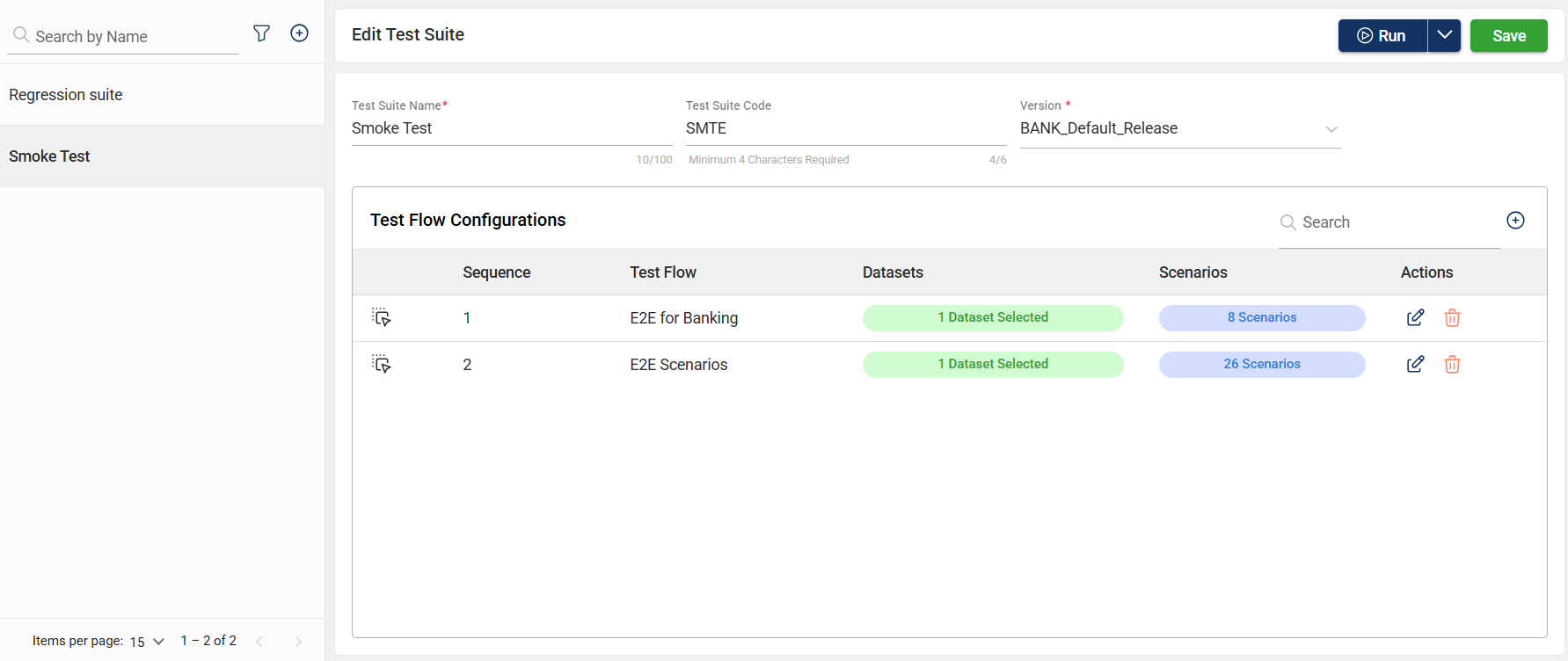
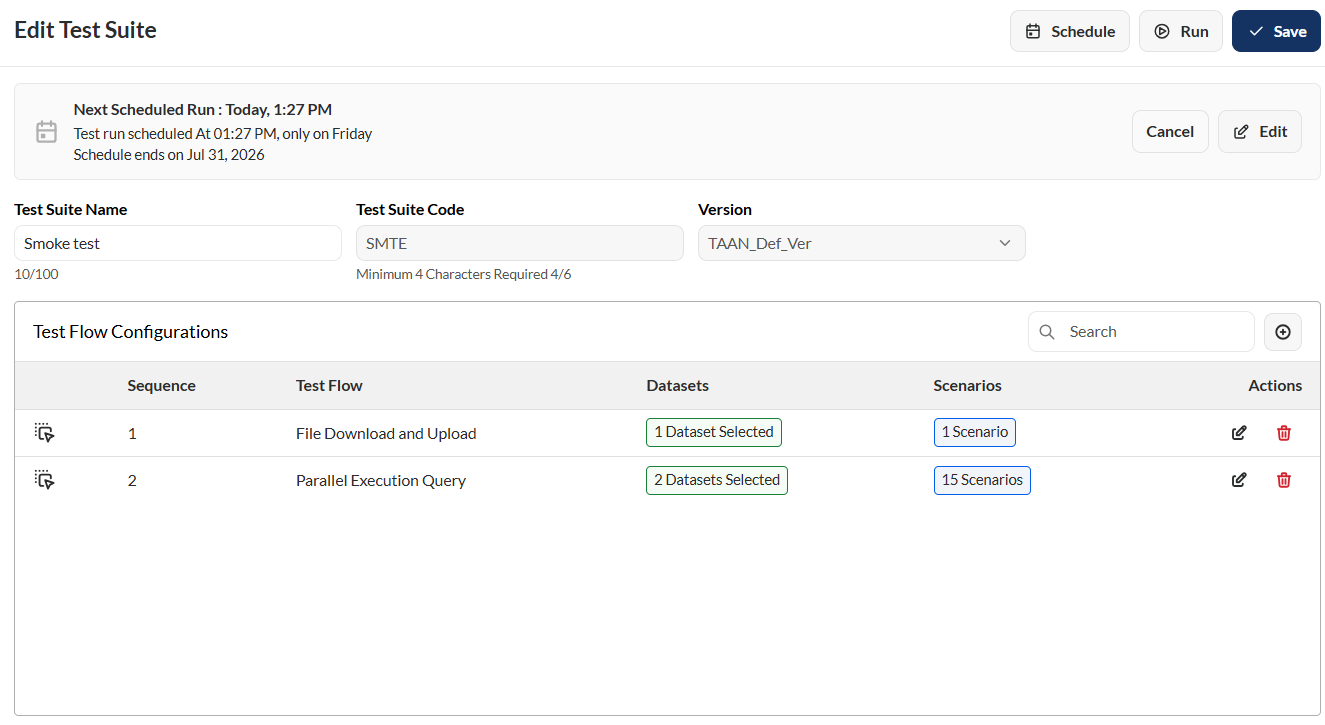
To edit a test suite, select a test suite and make the necessary changes. Click the Save button once done.
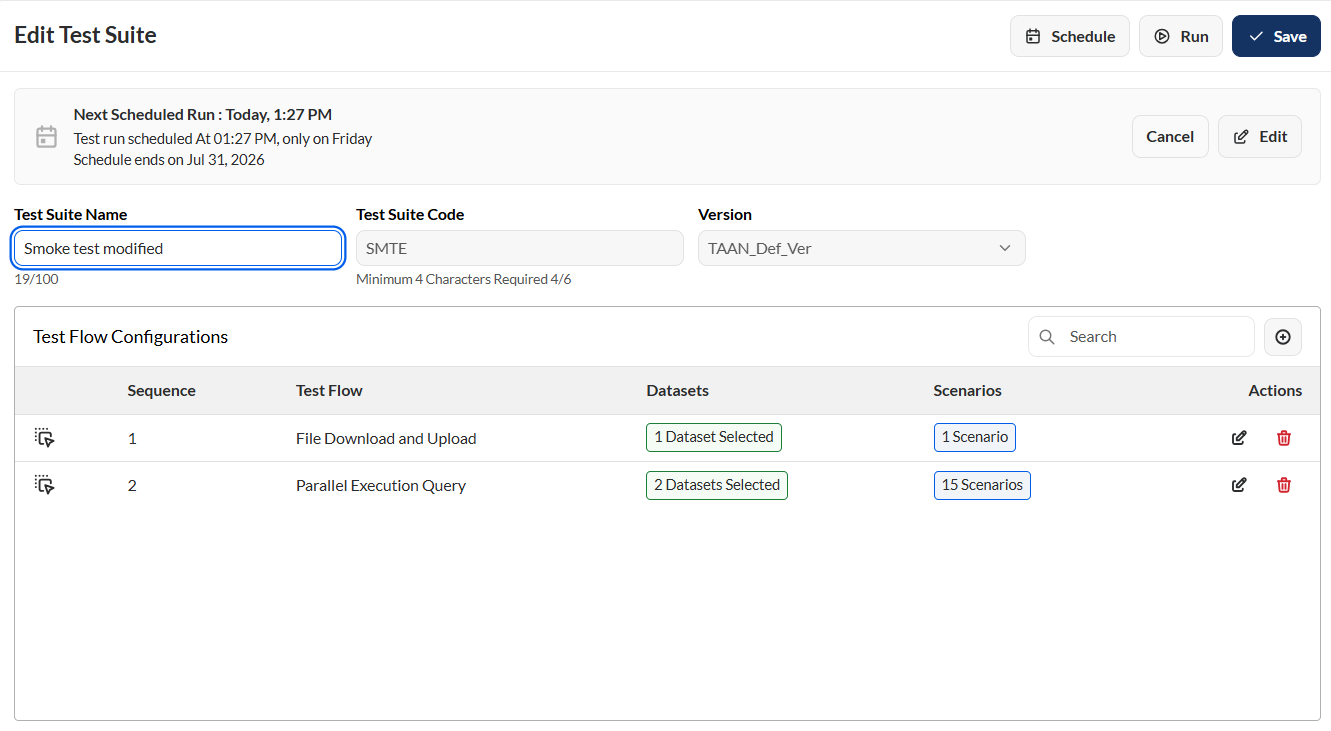
Edit a run schedule
To edit a schedule, follow these steps:
- Click the Edit button in the test suite view.
- Make the necessary changes.
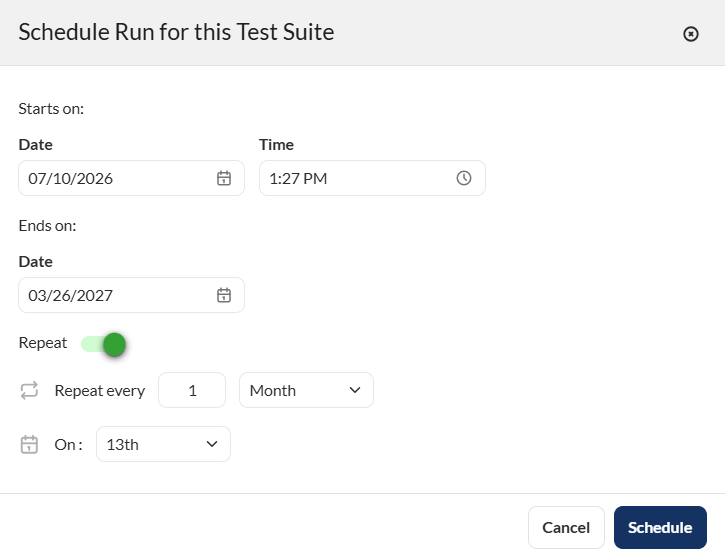
- Click the Schedule button.
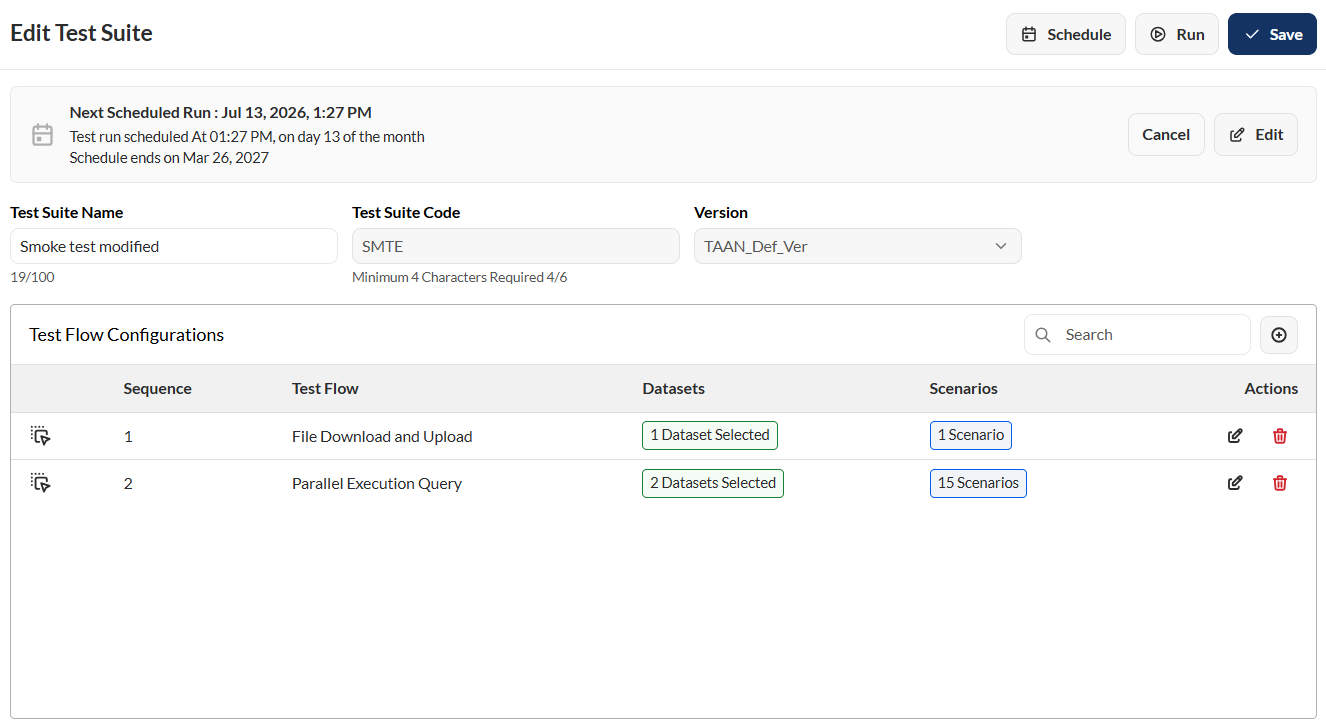
Edit flow order
The execution order of flows can be modified by dragging and dropping a flow to the desired position within the sequence.
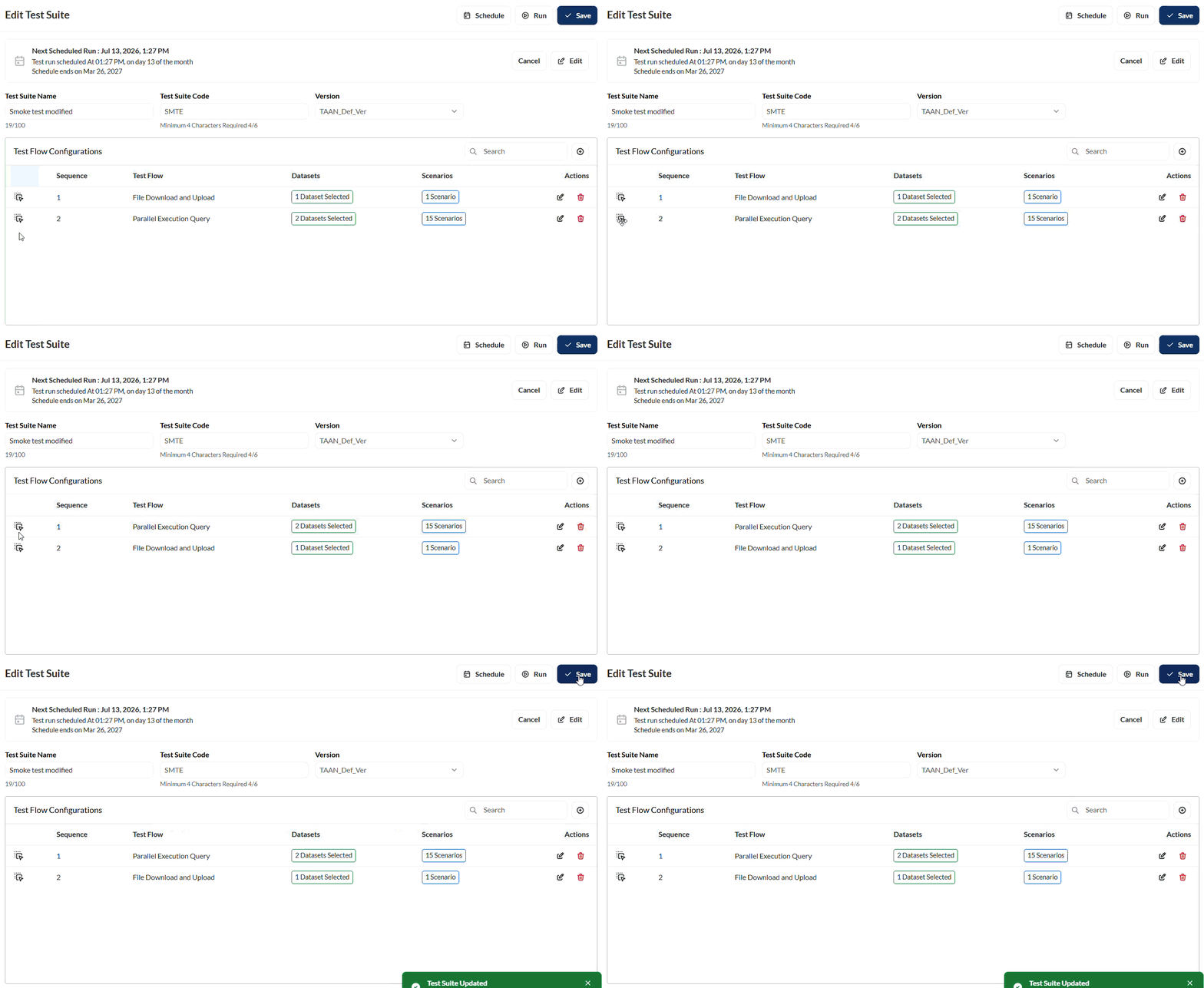
Edit a test flow
To edit the dataset, you can untick the currently selected dataset in a flow and choose from other associated datasets by clicking the search field in the Dataset section. You can also select multiple dataset for a flow.

You can also modify the environment and dataset by selecting your preferred options from the corresponding dropdown lists.

Search
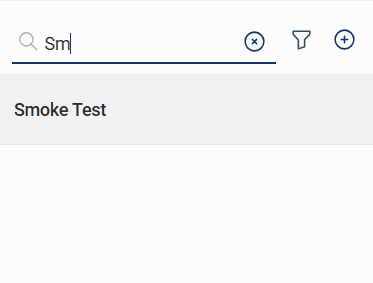
The search feature allows you to filter the list of datasets by providing a keyword or the full name of a dataset. Only the datasets that match the provided keyword or name will be displayed in the view.
Filter
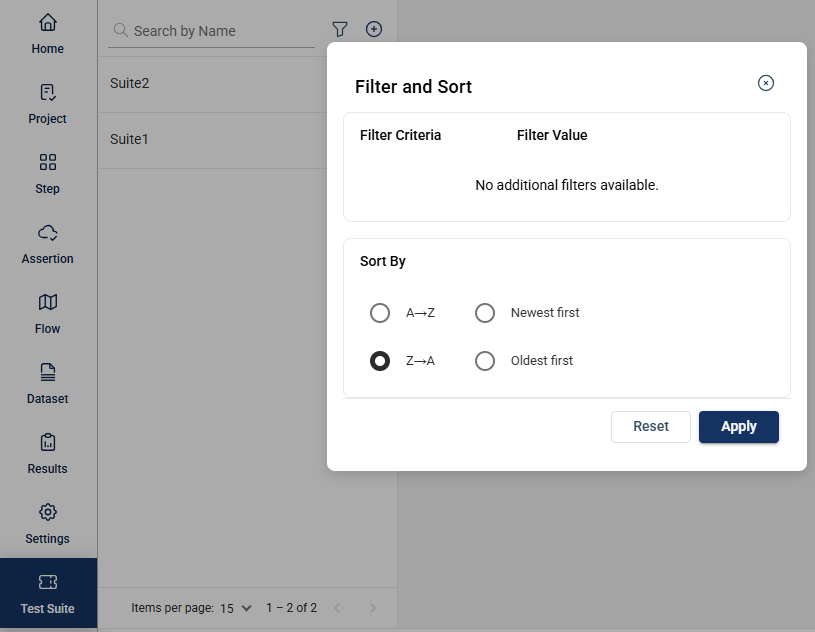
Click the  icon to display additional filtering and sorting options. For filtering, a dropdown list of available filter parameters will show all associated values for the selected project and version.
Delete a test suite
To delete a test suite, click the menu option and select Delete.
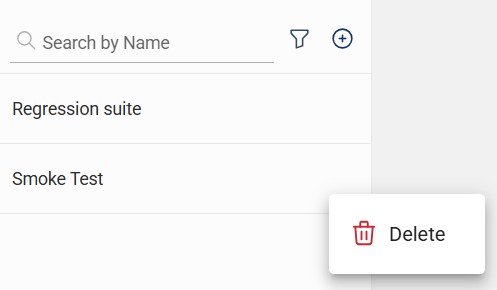
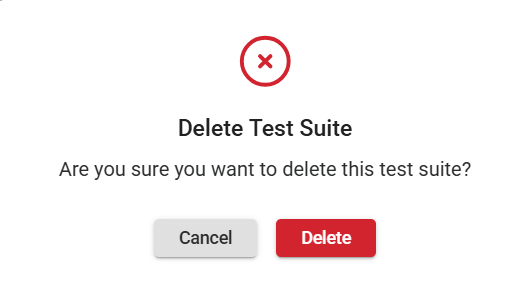
Then, in the confirmation popup window, click the Delete button.