Sync to TestRail
Overview
This page provides the steps to sync test flows and test runs with TestRail. IF you want to learn how to configure your TestRail account for integration, see Settings. If you want to learn how to integrate your TestRail account with your project, see Integrations.
Sync test flows
Synchronize test flows to TestRail to link test cases and results across platforms.
-
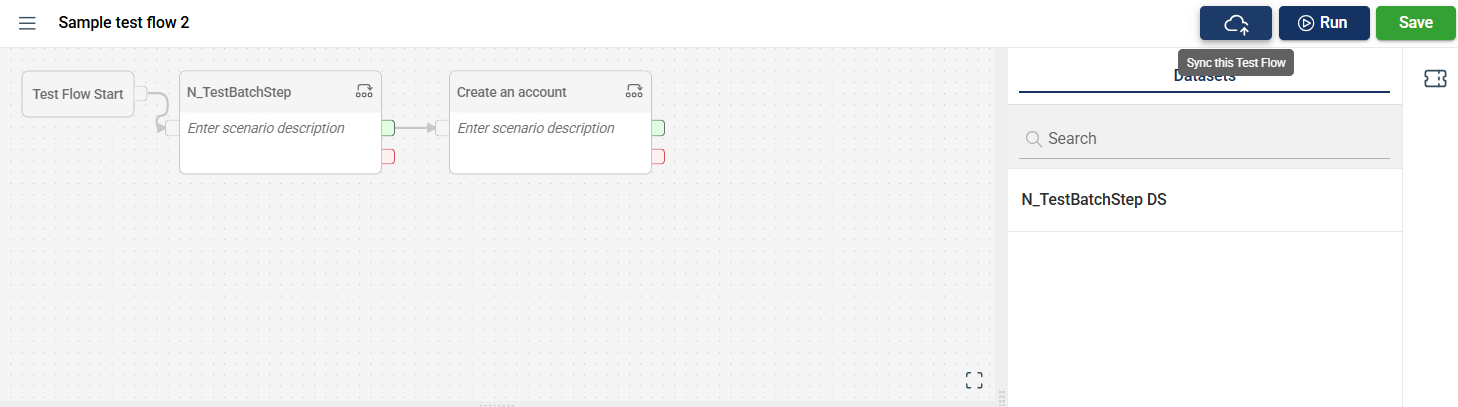
Select a test flow.
-
Click the Sync to test flow button in the top-right corner of the page.
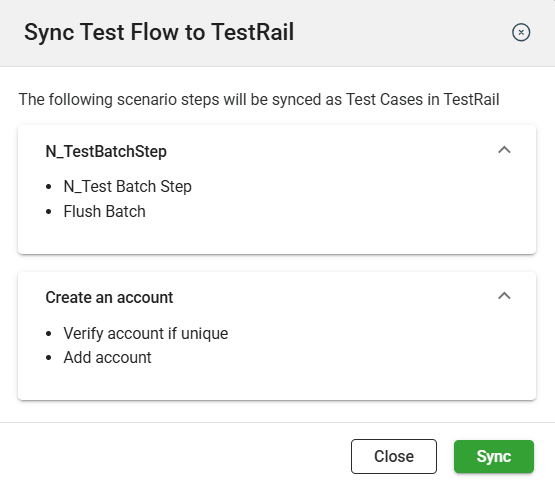
- Click Sync.
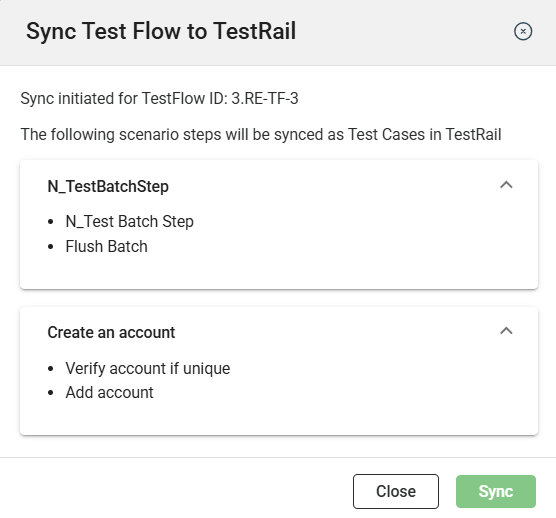
After a successful sync, a confirmation message will be displayed.
Sync test runs
Synchronize test runs to TestRail enables real-time tracking of test progress and outcomes.
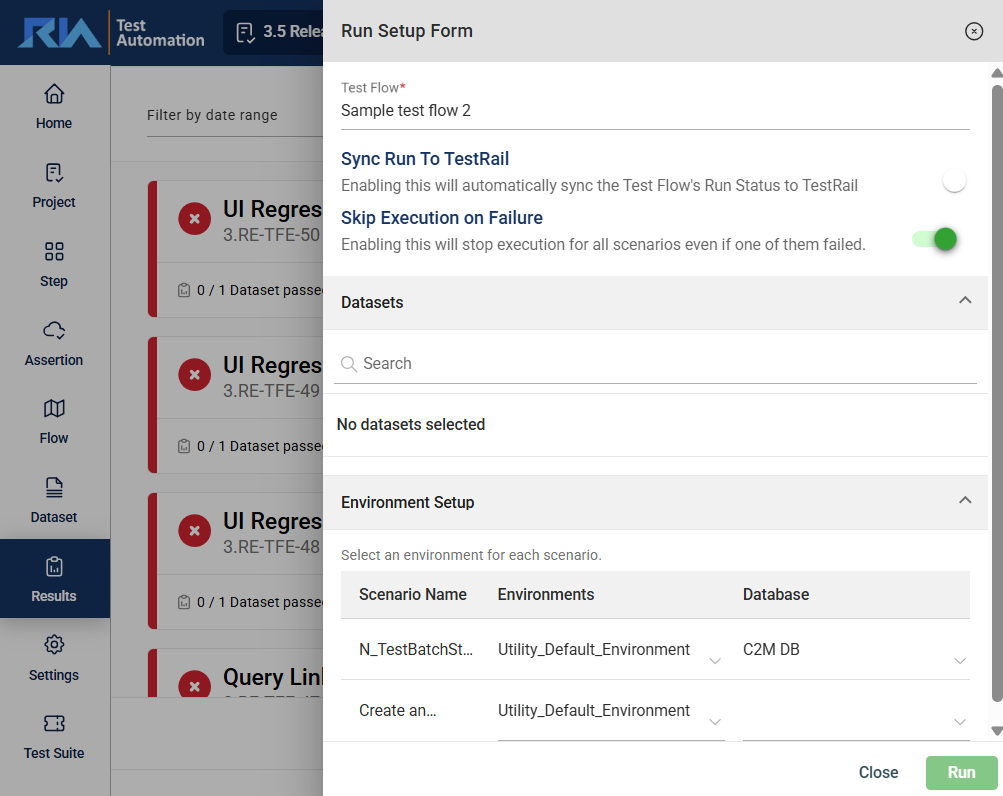
- Click the Run button to view the Run Setup Form.
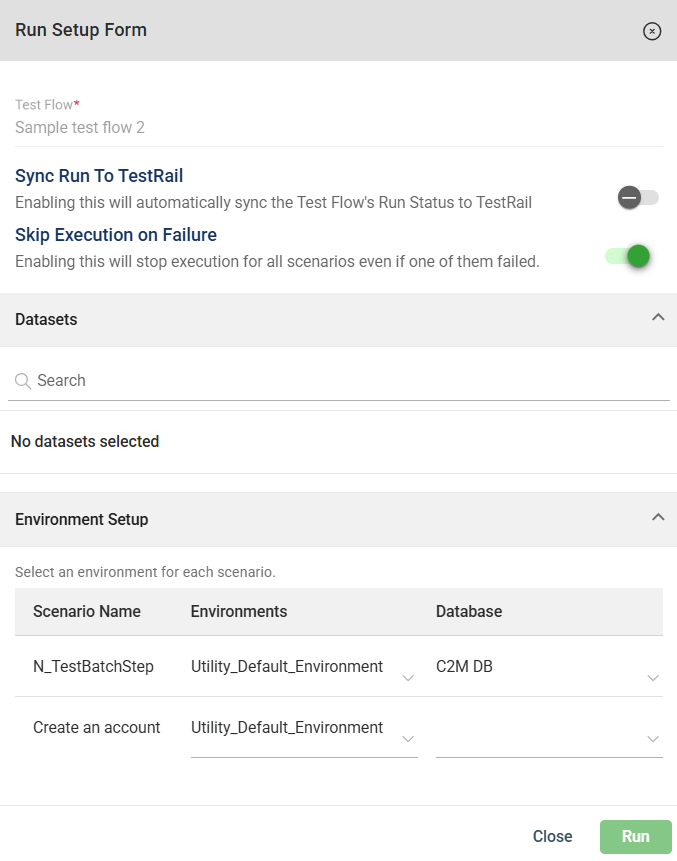
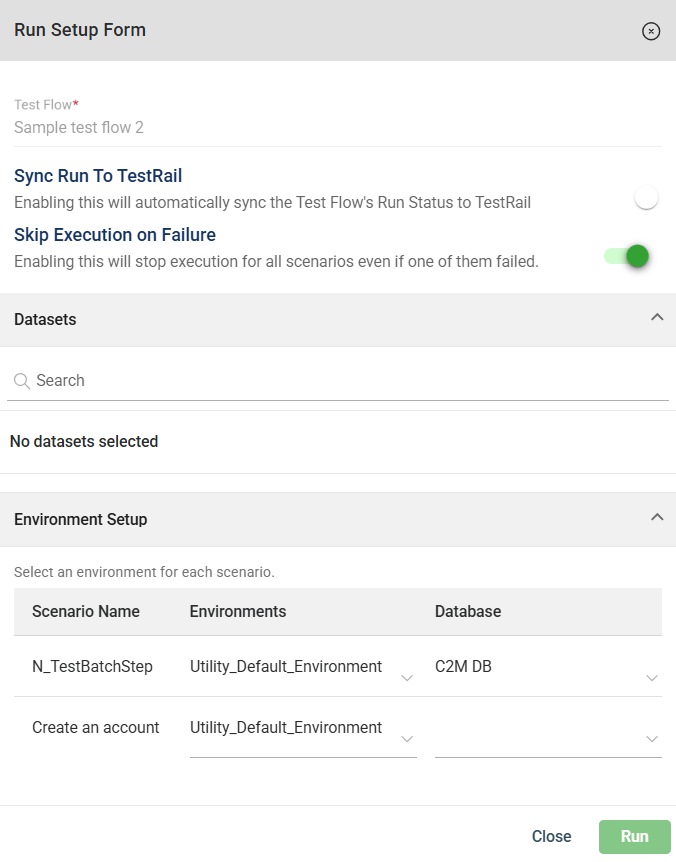
- Click the Sync Run To TestRail toggle.
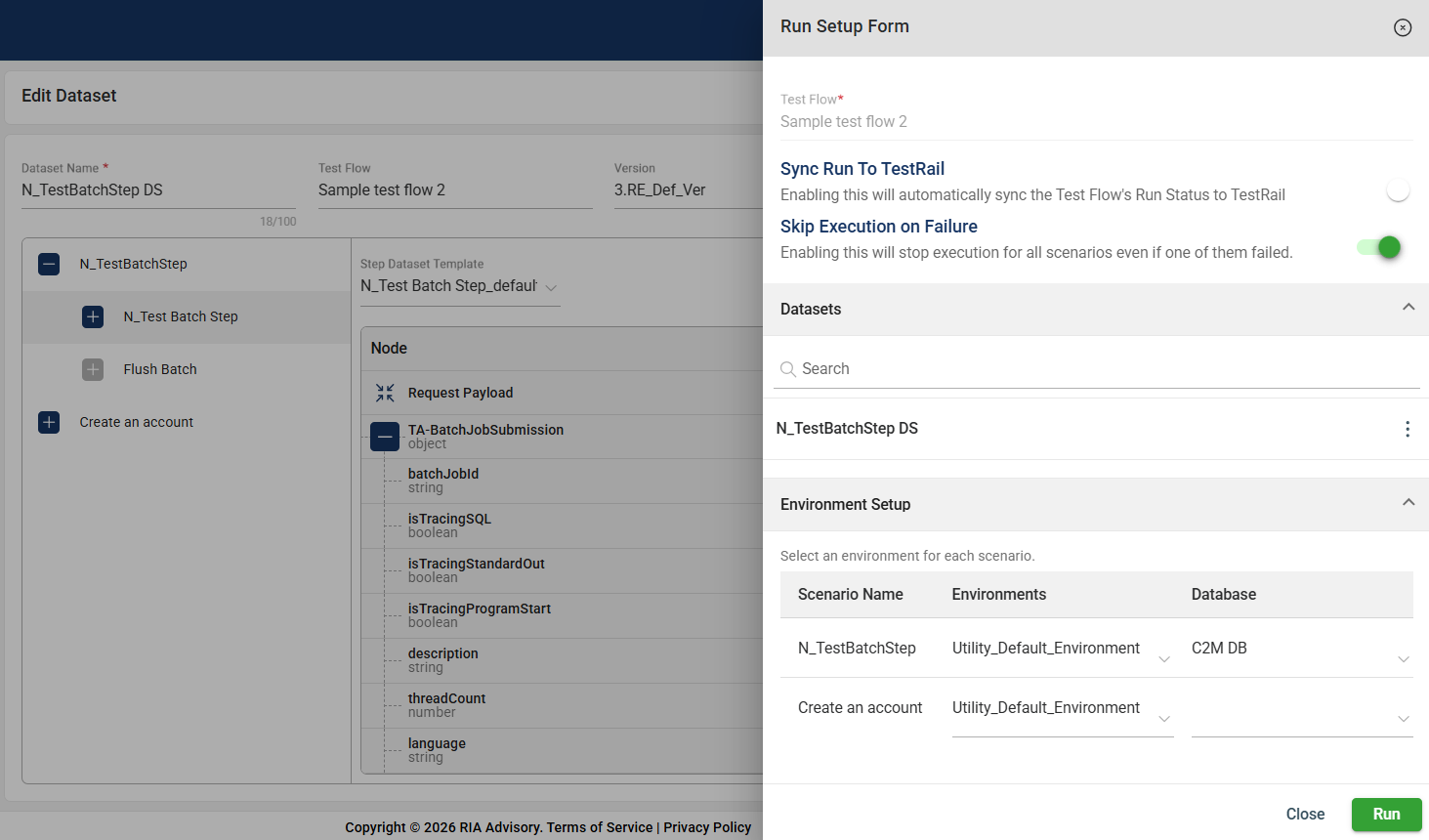
You can also sync the run to TestRail in the following modules by repeating the steps above.
- Results
First, you have to select the flow you wish to sync from the Test Flow dropdown.