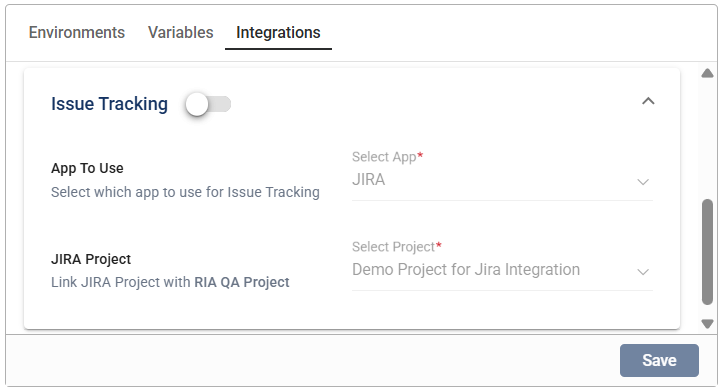
Integrations
Overview
The Integrations section in the Project module enables you to configure integrations at the project level.
Before confguring your integrations, ensure that you have enabled your test case management and issue tracking applications in the Settings module.
Configure project integrations
- Go to the Integrations tab of the selected project.
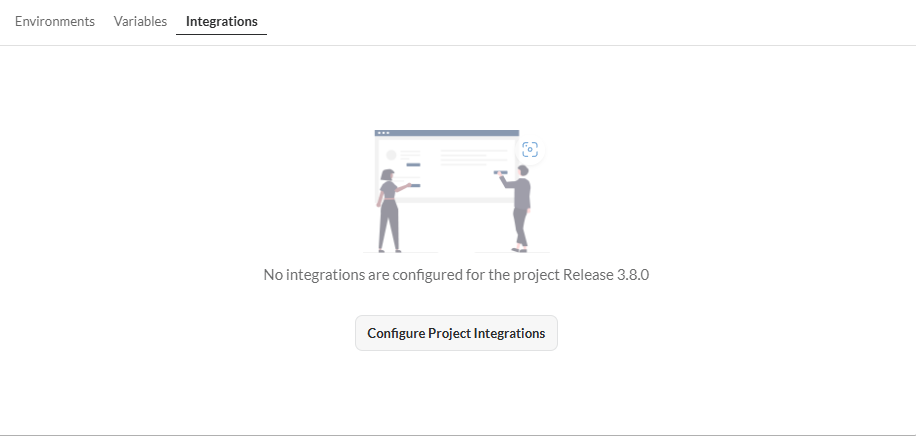
-
Click Configure Project Integrations.
-
Click the Test Case Management toggle.
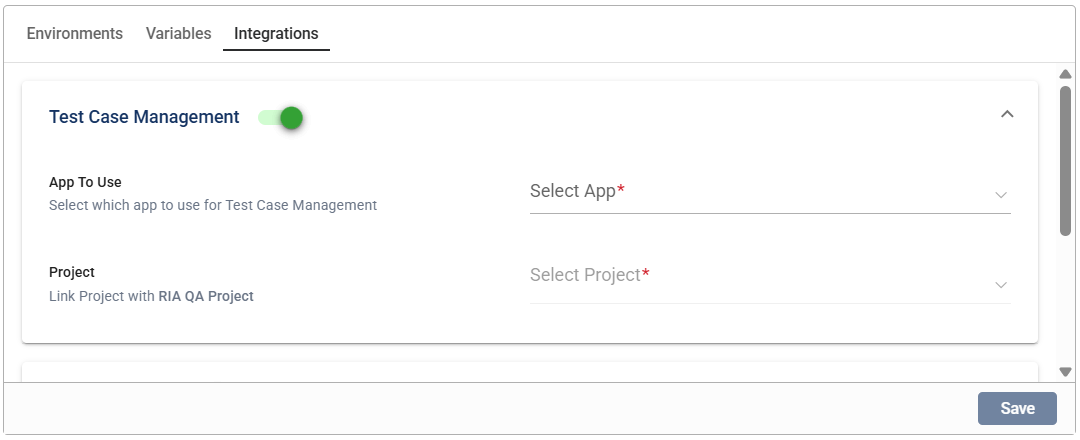
- Select
TestRailfrom the dropdown across App To Use.
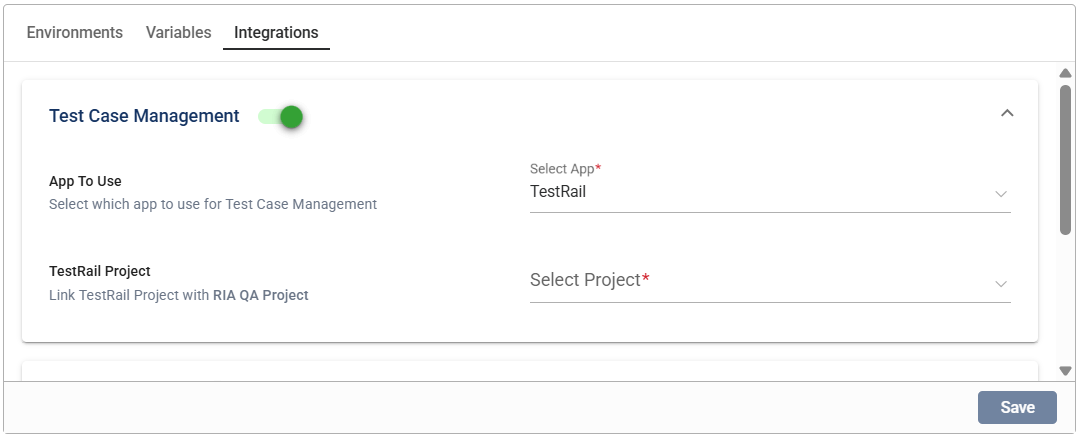
- Select a project from the TestRail Project dropdown list.
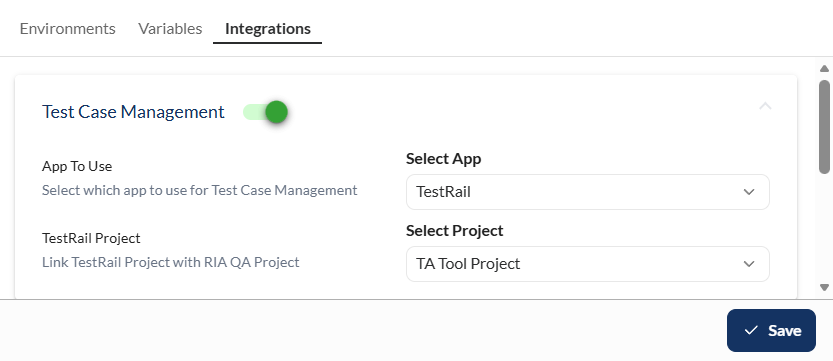
- Click the Issue Tracking toggle.
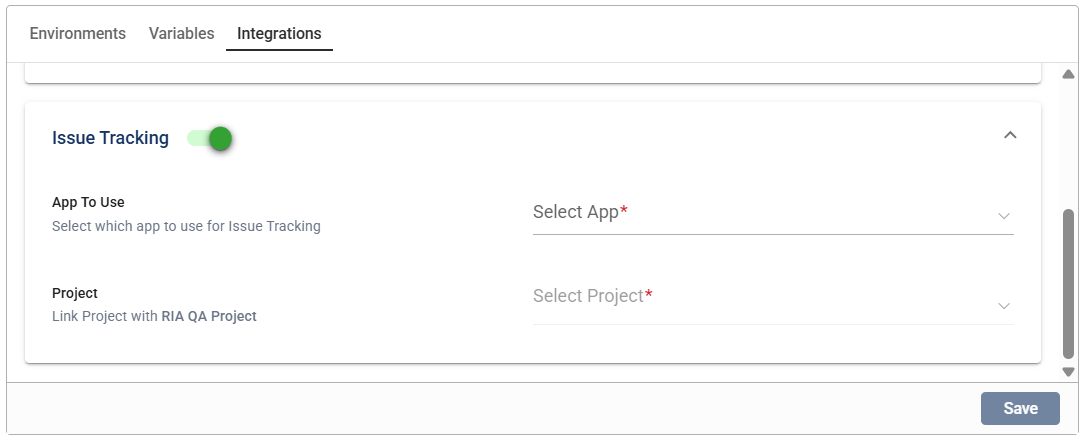
- Select the issue tracking app from the App To Use dropdown list.
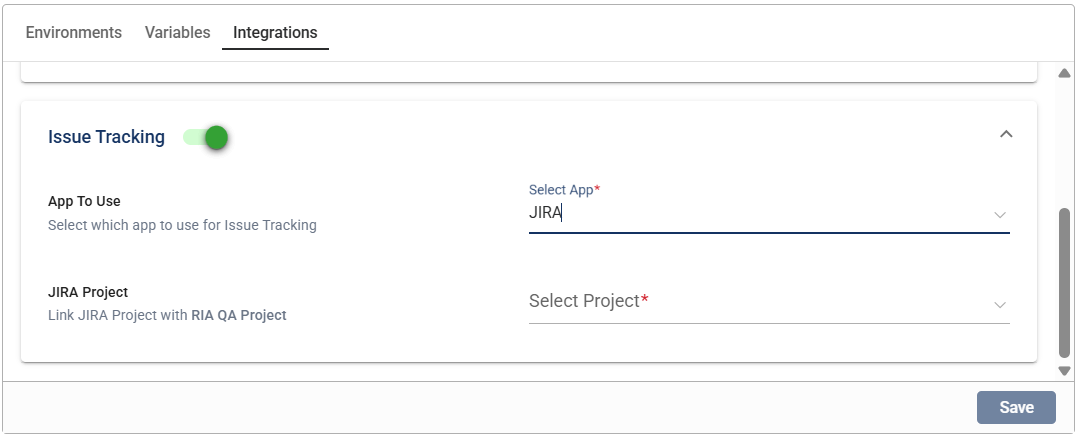
- Select a project from the TestRail Project dropdown list.
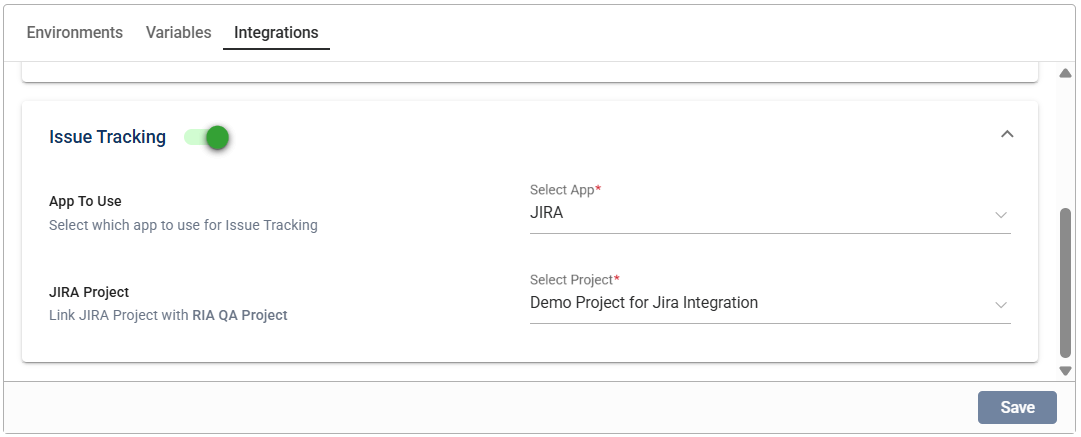
- Click Save.
Modify an integration configuration
You can modify any configuration for the test case management and issue tracking integrations by selecting a new value from the dropdown list, then clicking the Save button.
Disable an integration
Click the toggle button of the integration you wish to disable. Any configured value for that integration will remain.