DOCX template
Overview
The DOCX Template editor is used to create and manage document templates for generating dynamic Word documents. It allows you to define layout structure, map data fields, and apply formatting rules using XSL.
Create a DOCX template
-
Follow Create a new template steps with an
DOCXvalue chosen from the Document Type dropdown. -
Verify that the design page for a DOCX file is displayed.
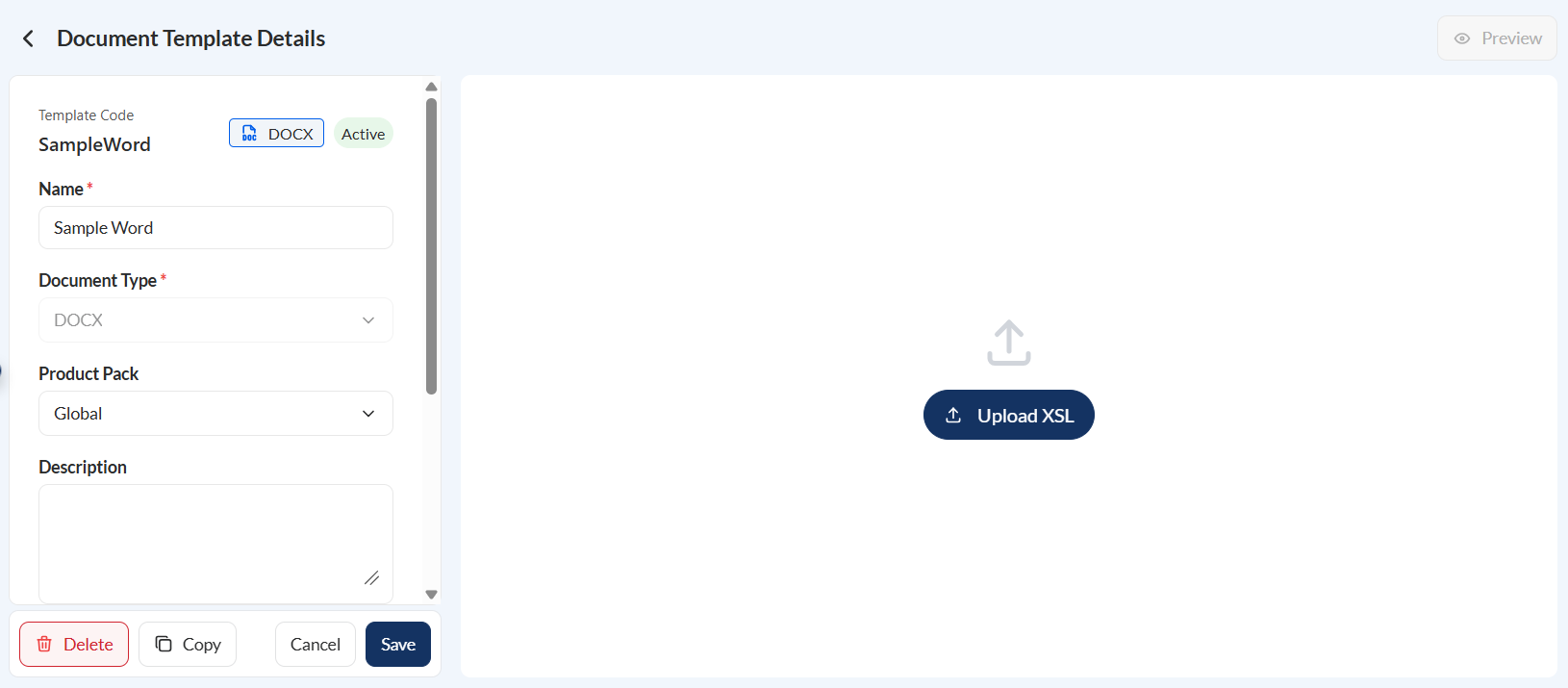
- Click the Upload XSL button to upload the source file.
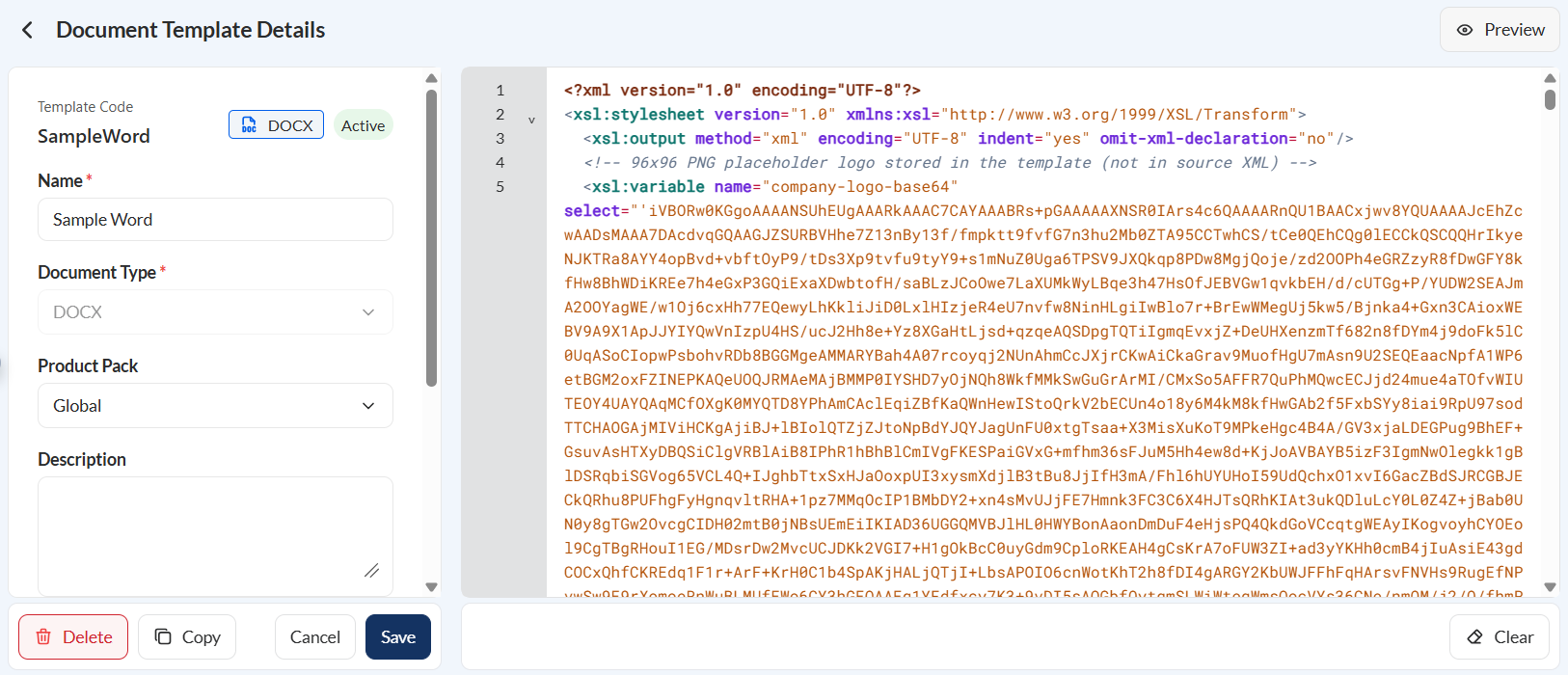
-
Click the Preview button.
-
Select one of the following options on how you can define your data source.
- Code Editor — Add your data source directly by entering XML or JSON code in the editor.
- Payload Library — Select a previously saved payload from the library to use as your data source.
- Upload File — Upload an XML or JSON file containing the data source.
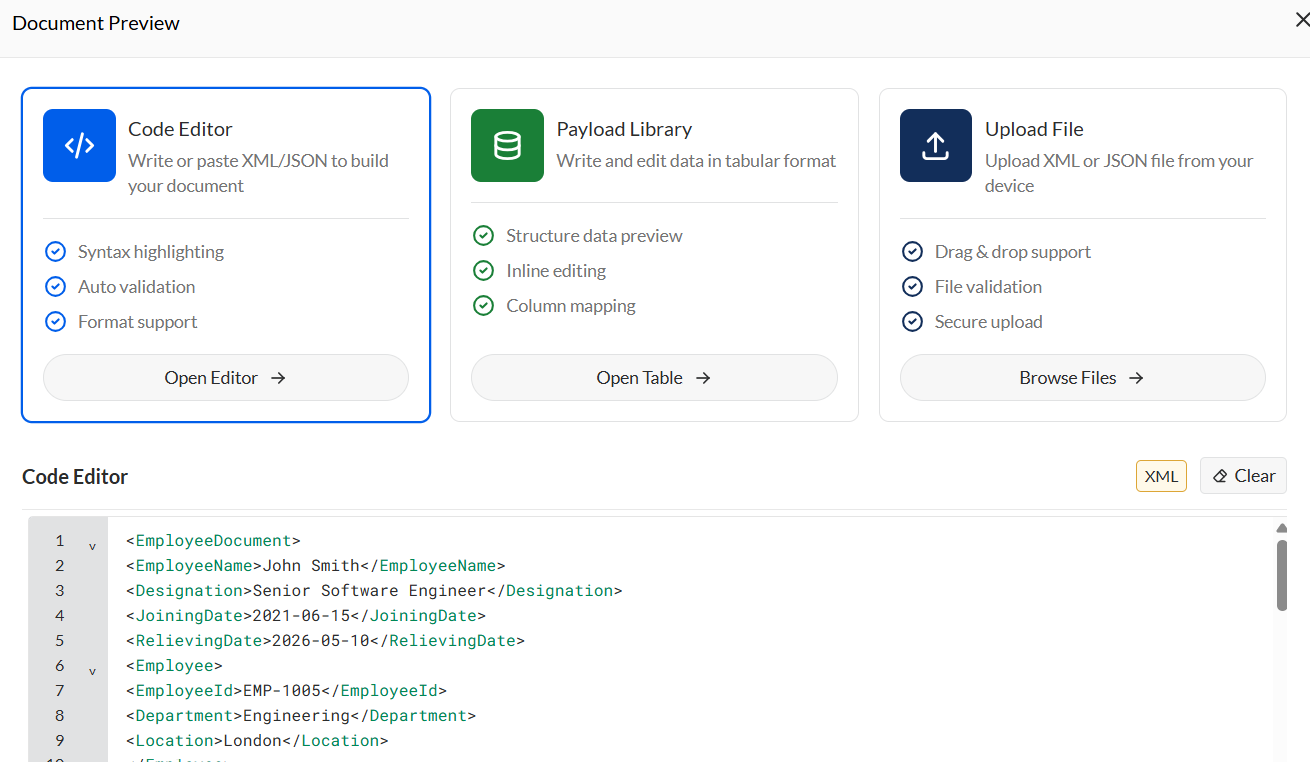
- Click the Preview Document button on the popup window.
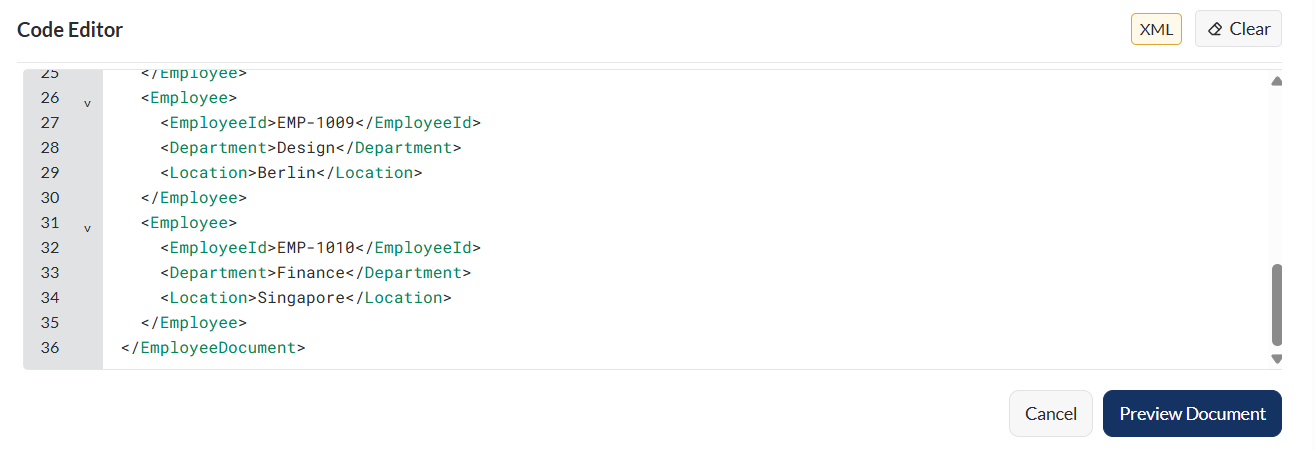
- Verify the details of your document.
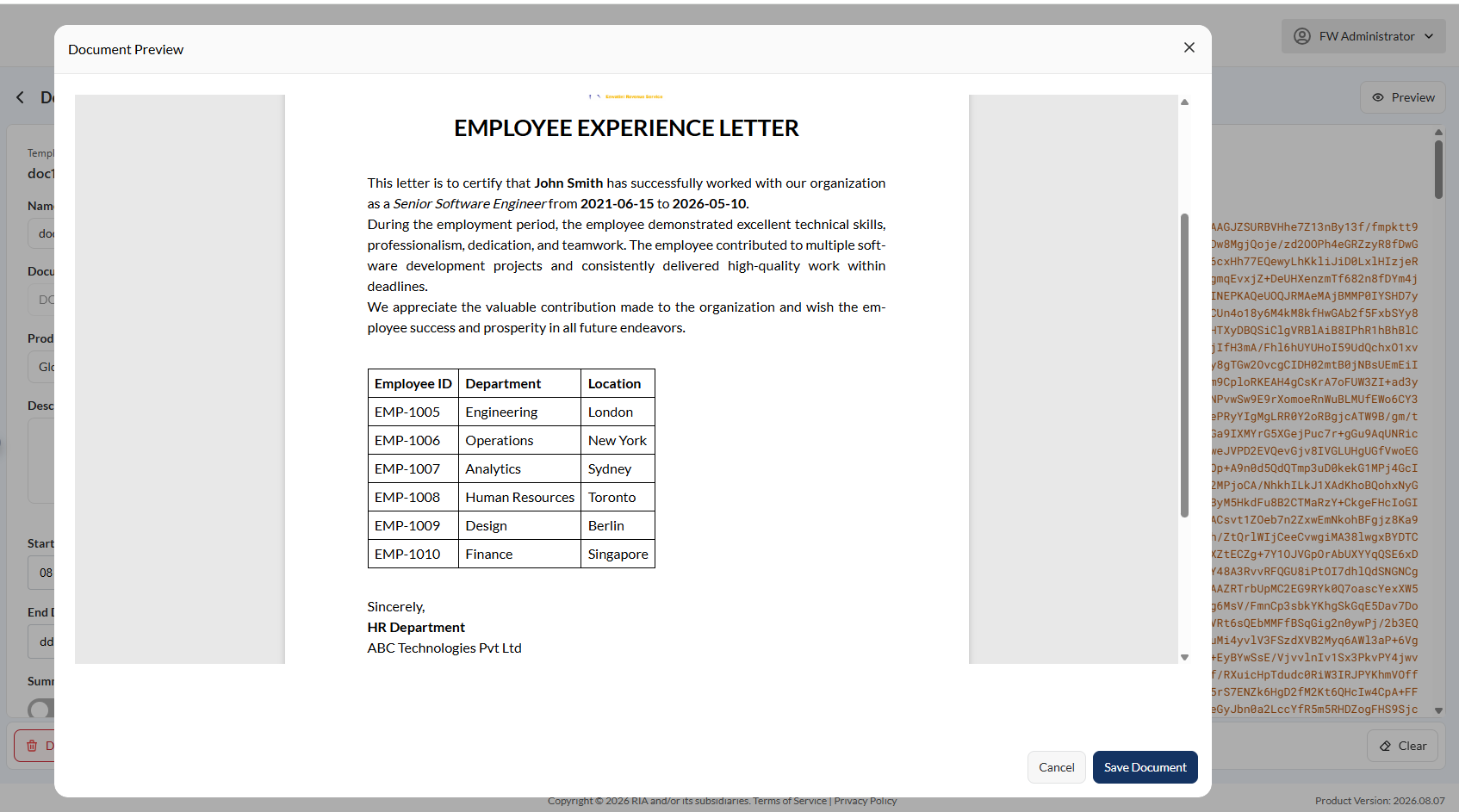
- Click the Save Document.
Left pane
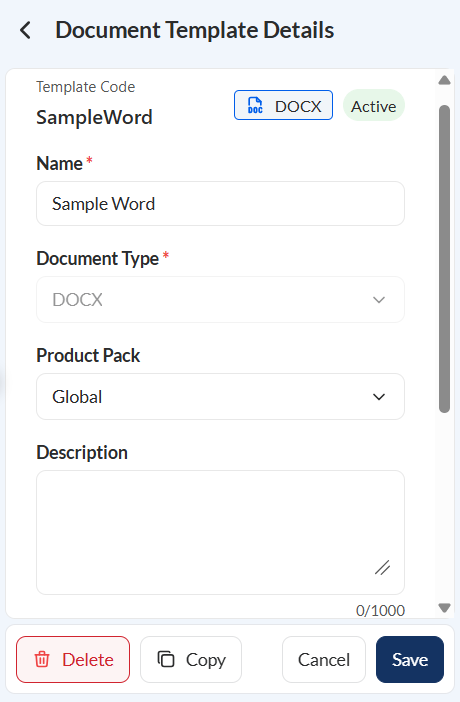
The left pane displays the template details entered during template creation. These details can be reviewed and modified as needed.
Actions
If you are updating an existing doc template, the following actions are available:
- Delete – Permanently removes the current XSL template from the system.
- Copy – Copies the full XSL content to the clipboard.
- Clear – Removes all content from the editor.
- Cancel – Discards unsaved changes and restores the previous version.
- Save – Saves all changes and updates the active template version.