CXML template
Overview
The CXML Template editor is used to create and manage templates for cXML document generation. A cXML template defines the structure and content of the generated cXML document using XSL transformations and data mappings. During document generation, the template transforms source data into the required cXML format.
The module provides tools for managing template details, editing XSL content, previewing generated output, and maintaining template versions. Templates can be created, updated, and reused.
Create a cxml template
-
Follow Create a new template steps with an
CXMLvalue chosen from the Document Type dropdown. -
Verify that the design page for a CXML file is displayed.
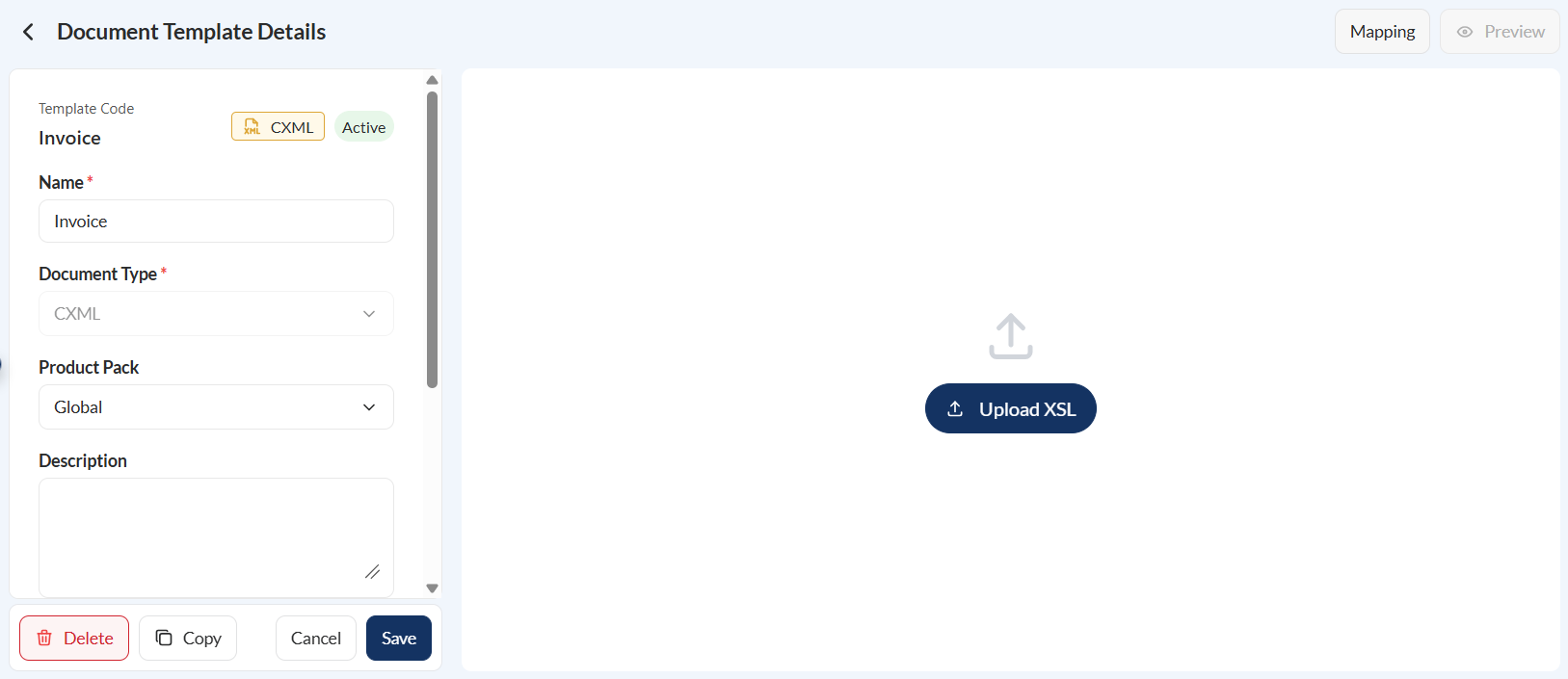
- Click the Mapping button.
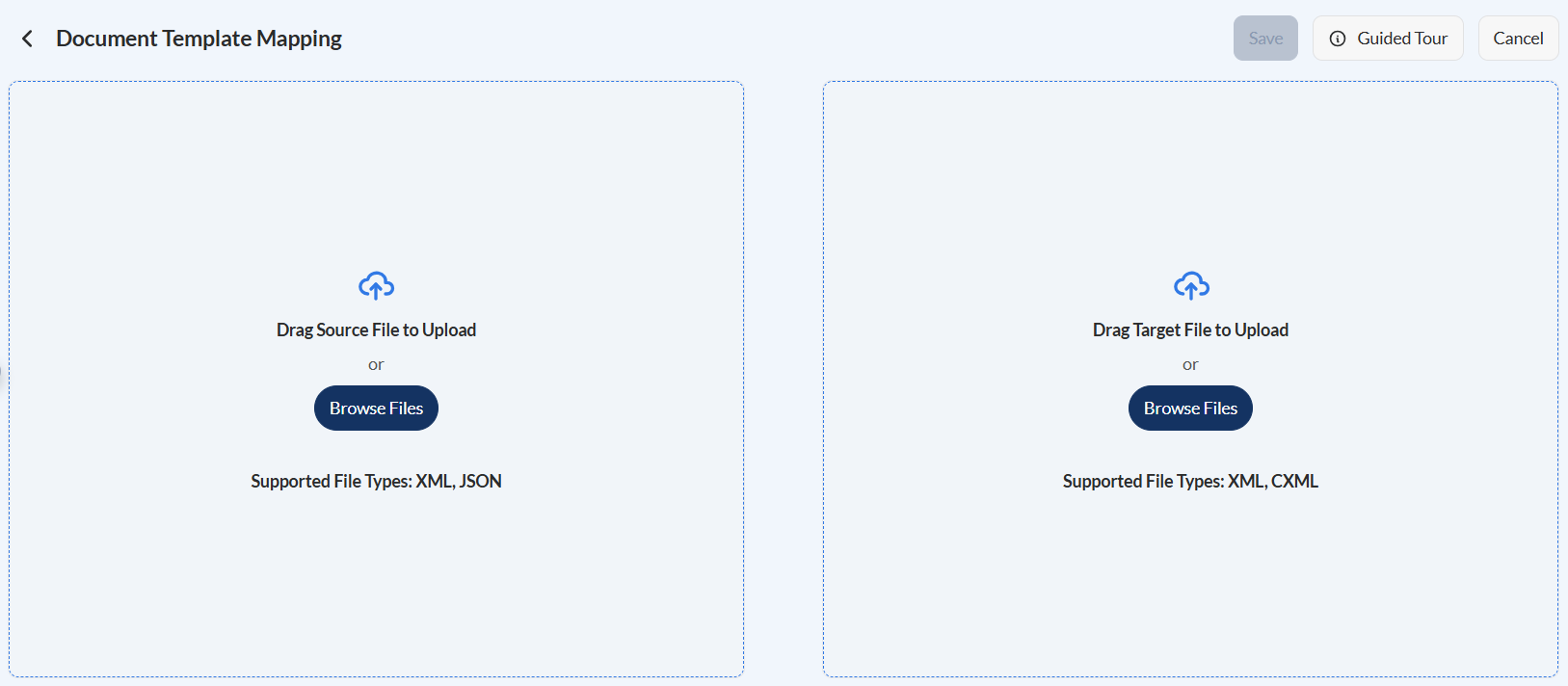
- Upload the source file.
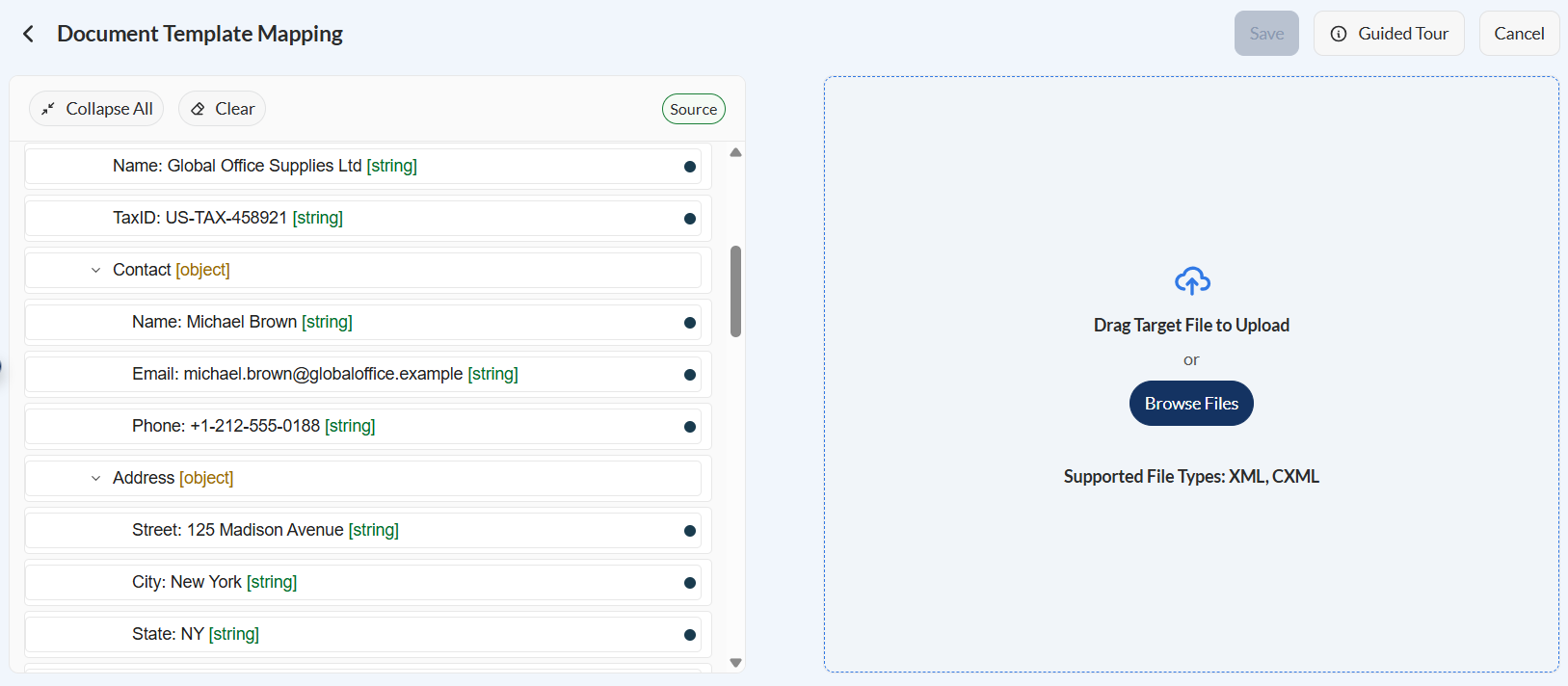
- Upload the target file.
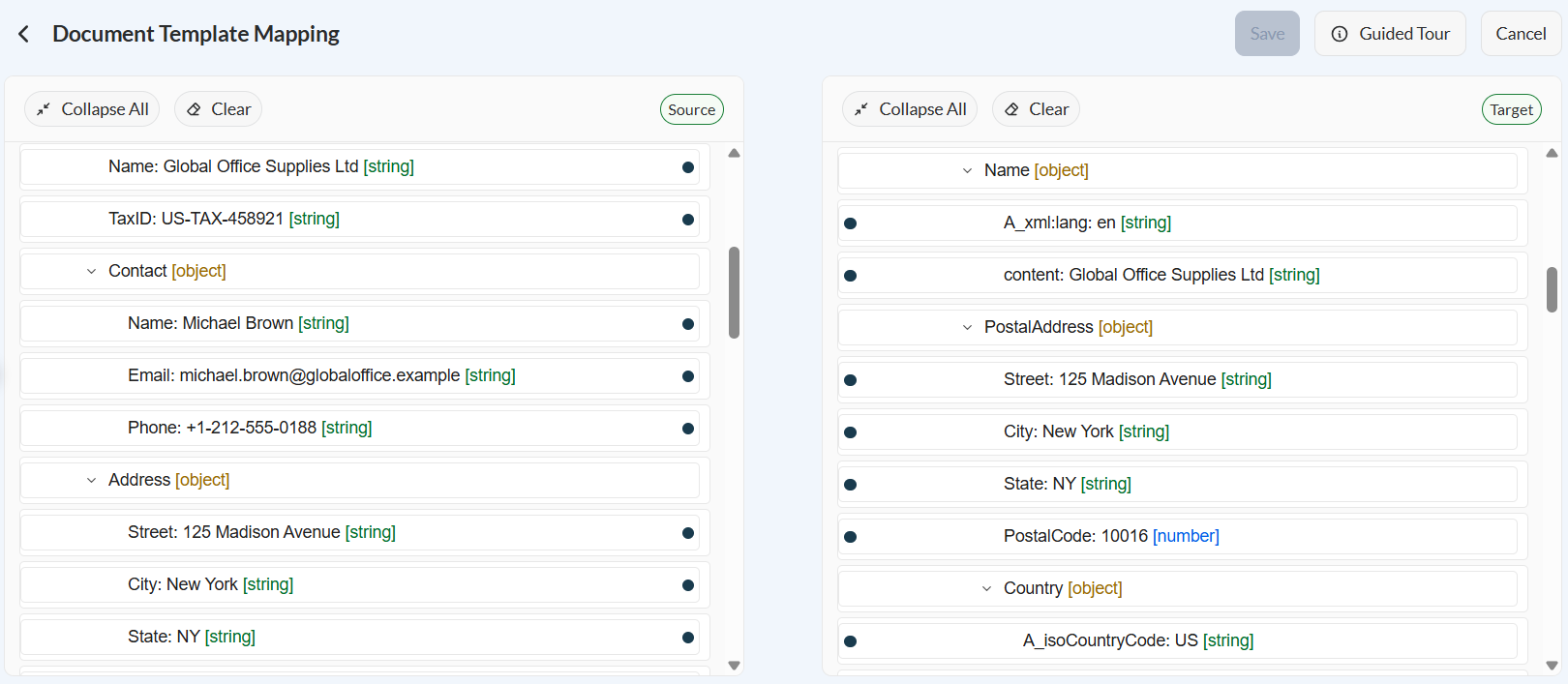
- Define the mappings. For more information, see Mappings.
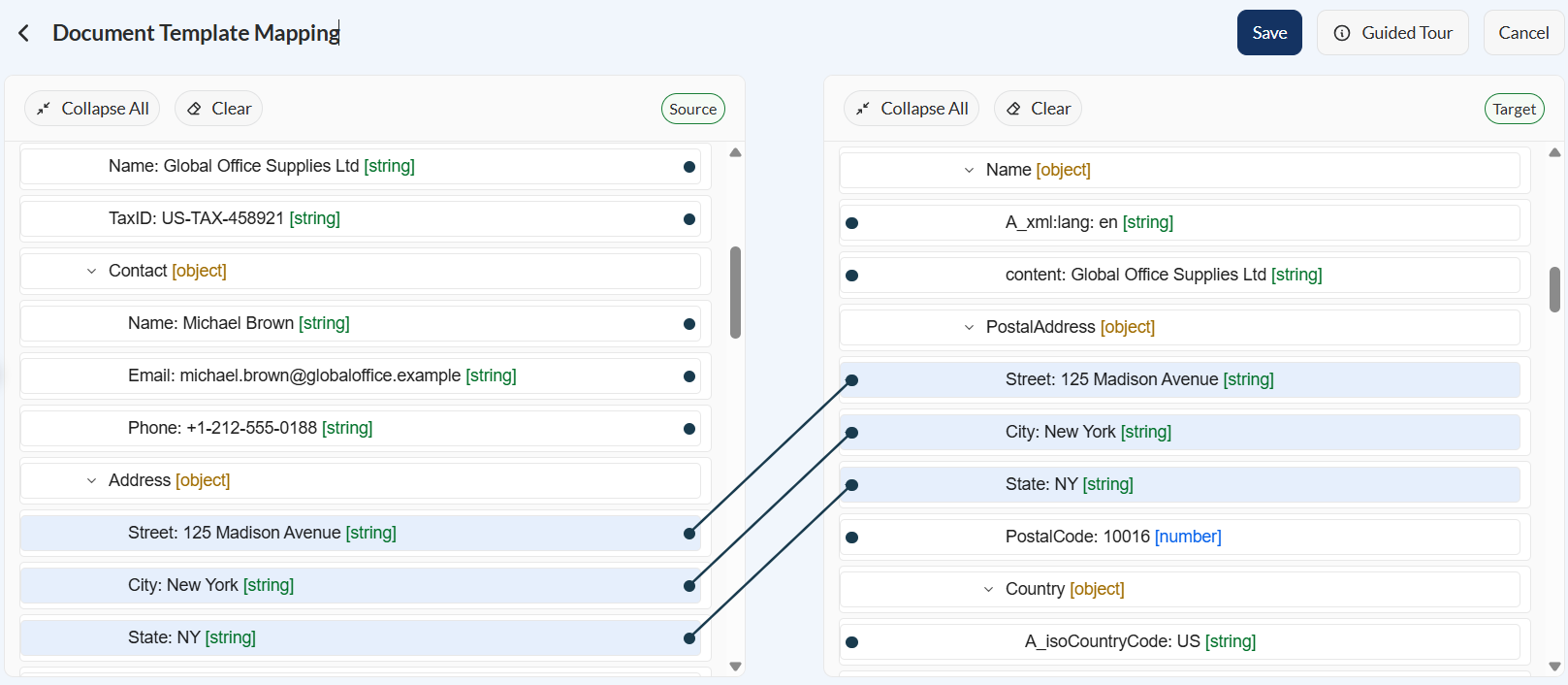
- Click the Save button.
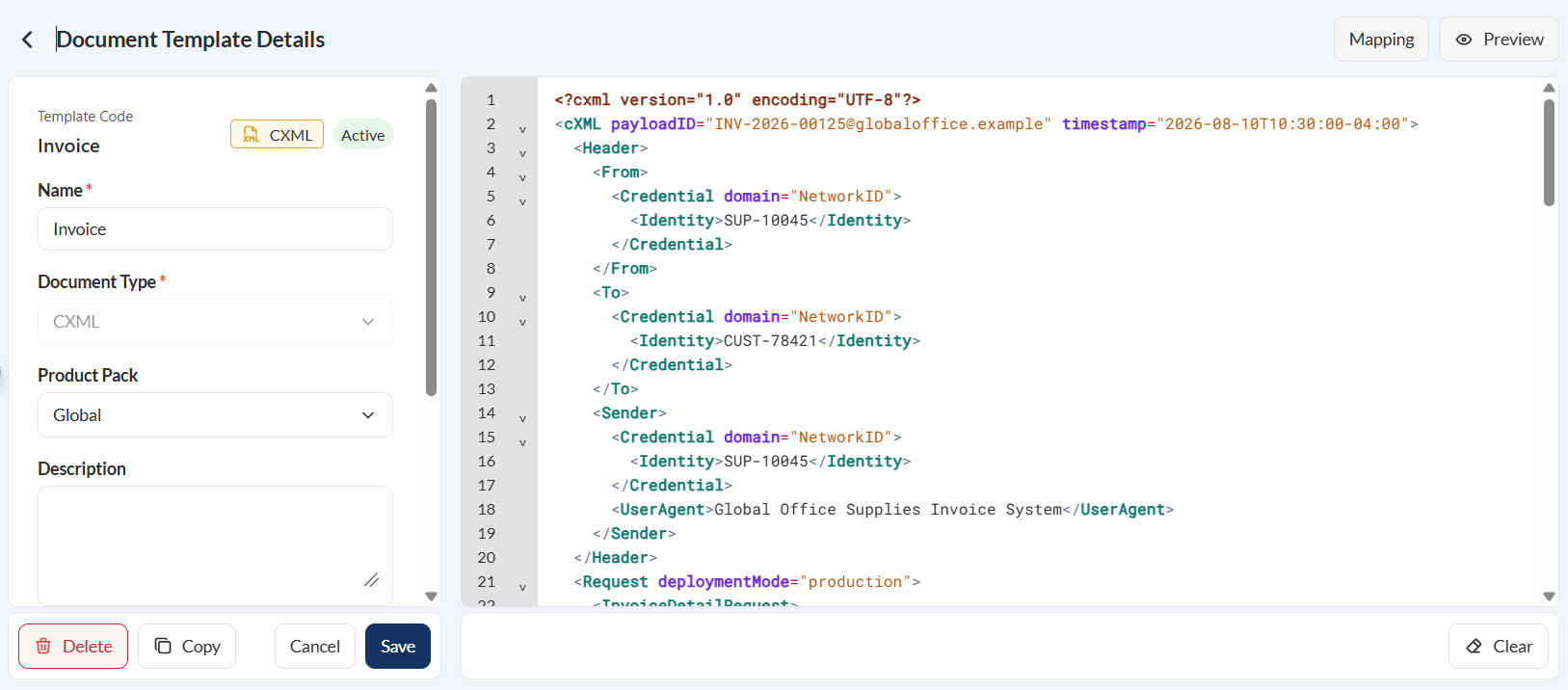
Mappings
The Mapping section contains the data fields available for use within the XSL template. These mappings represent the source data that can be referenced when constructing the cXML document. Mappings can be inserted into the XSL editor to populate dynamic content during document generation.
Source and Target columns are displayed. Both columns lists all available source and target objects, respectively, based on the uploaded XML or JSON file.
Edit a mapping
To edit a mapping, click the dot from the source node and drag it to the target node you wish to map it to. To remove the mapping, click the line connecting the source and target nodes, then press the delete button on your keyboard.
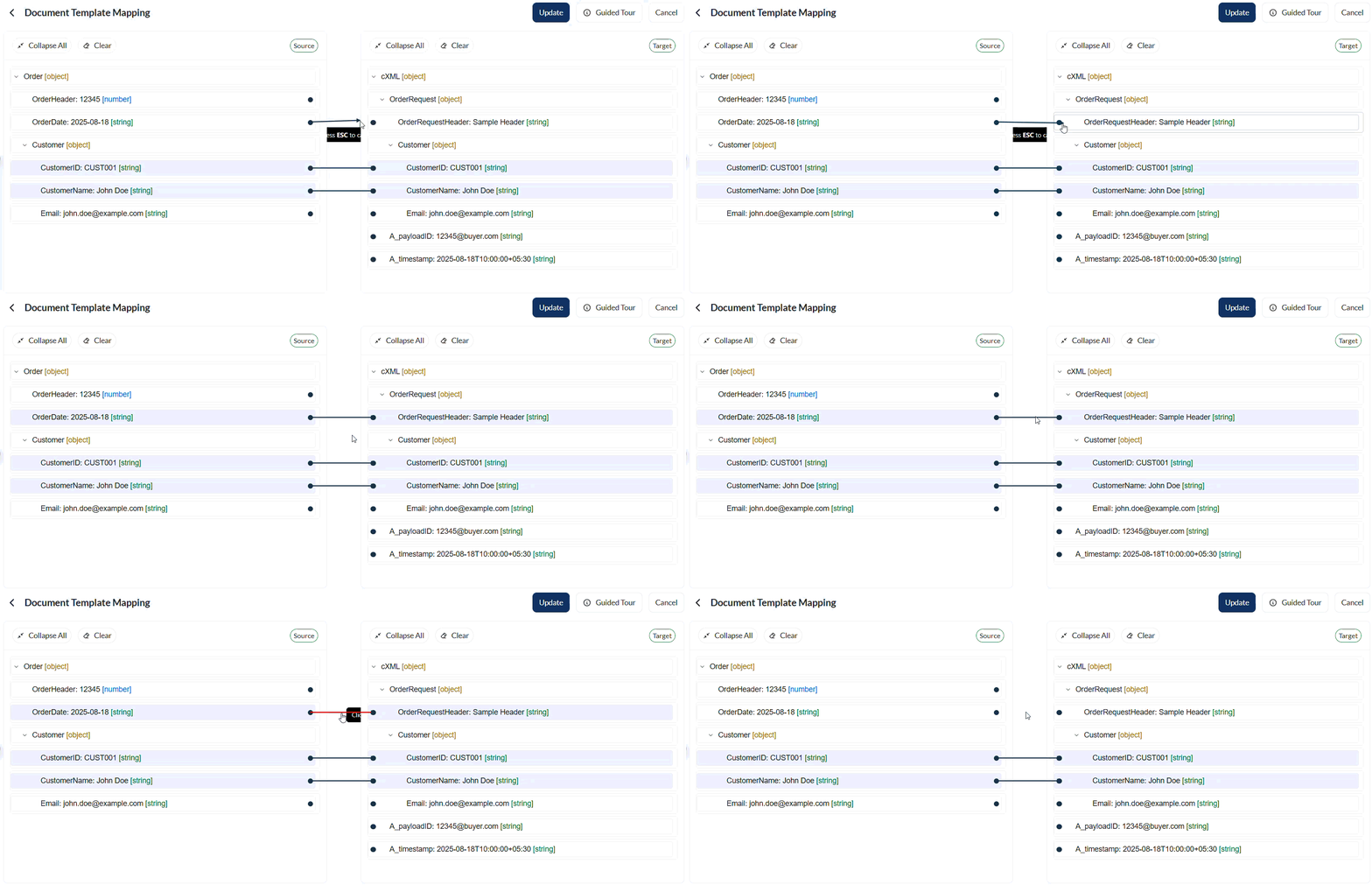
For any changes made, click the Update button.
Guided tour
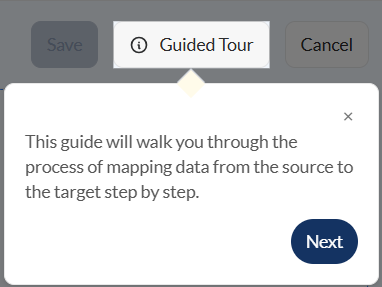
If you need more guidance on the mapping screen, click the Guided tour button. It will walk you through step by step on how to define your mapping.
Left pane
The left pane displays the template details entered during template creation. These details can be reviewed and modified as needed.
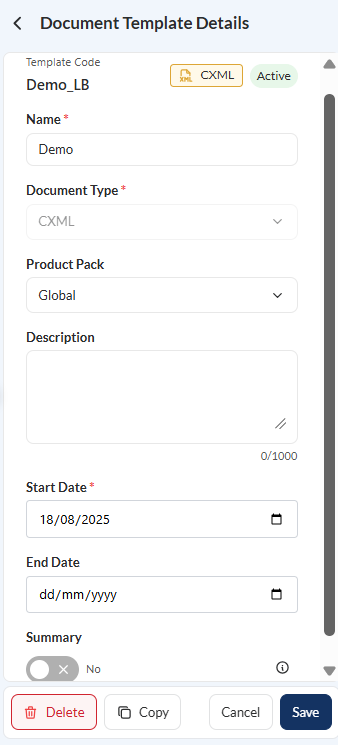
Actions
If you are updating an existing doc template, the following actions are available:
- Delete – Permanently removes the current XSL template from the system.
- Copy – Copies the full XSL content to the clipboard.
- Clear – Removes all content from the editor.
- Cancel – Discards unsaved changes and restores the previous version.
- Save – Saves all changes and updates the active template version.