Lookup
Overview
The Lookup module lists all the lookup fields used by API services of the RIA Framework. A lookup field is a dropdown list that allows you to select a value from a predefined set of options. The options for a lookup field are in the Lookup Values table.
All the items listed in this module are part of the RIA Framework package. You cannot create or delete a lookup field. You can only modify display names or lookup values. For more information, see Edit lookup.
If you have business admin access, you can only see the lookup fields from the modules you have access to.
Views
List View
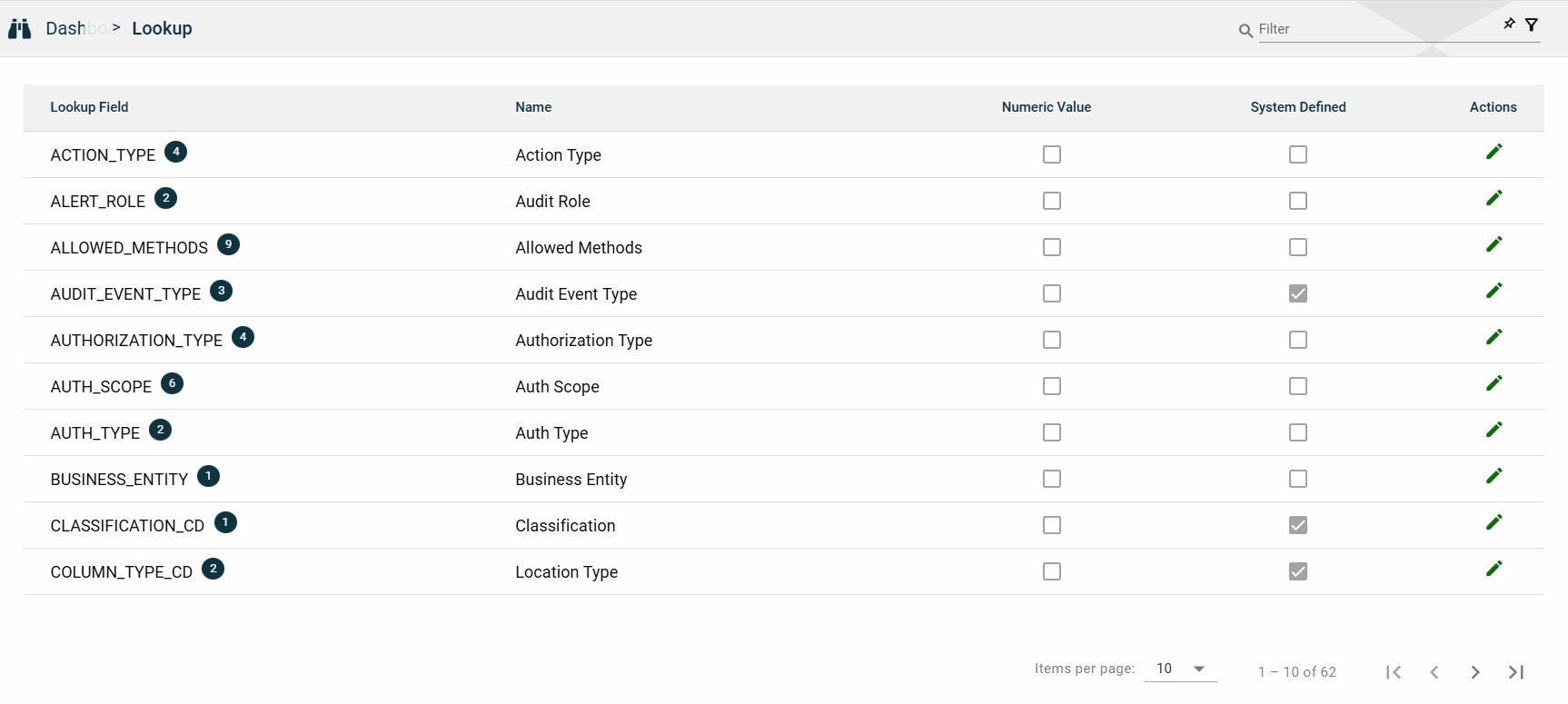
| Field | Description |
|---|---|
| Lookup Field |
Unique identifier of a lookup.
The lookup field should match a column name in an Ocular table. Lookup values defined under the lookup will be used as data for that column. |
| Name | Label name of the field as displayed in the application. |
| Numeric Value | Indicates if a numeric value is required for the lookup field. |
| System Defined |
Indicates if the lookup field is system-defined. If a field is system-defined, you cannot add or delete a new lookup value. However, you can do the following:
|
| Actions |
Displays
|
Lookup Values
The Lookup module allows you to view the details and the lookup values of a lookup field by clicking  in the Actions column.
A lookup value is a pre-defined option for a lookup field. The Edit Lookup window displays a Lookup Values table listing all the configured lookup values for the selected lookup field.
| Field | Description |
|---|---|
| Add Values |
Allows you to add lookup values for lookup fields that are not system-defined.
This button is disabled for lookup fields that are system-defined. |
| Value | Value in the lookup field as stored in the database. |
| Name | Name of the values as displayed in the UI. |
| Actions |
Displays the following icons:
|
 .
.
Edit lookup
The Lookup module allows you to edit a lookup field by clicking in the Actions column.
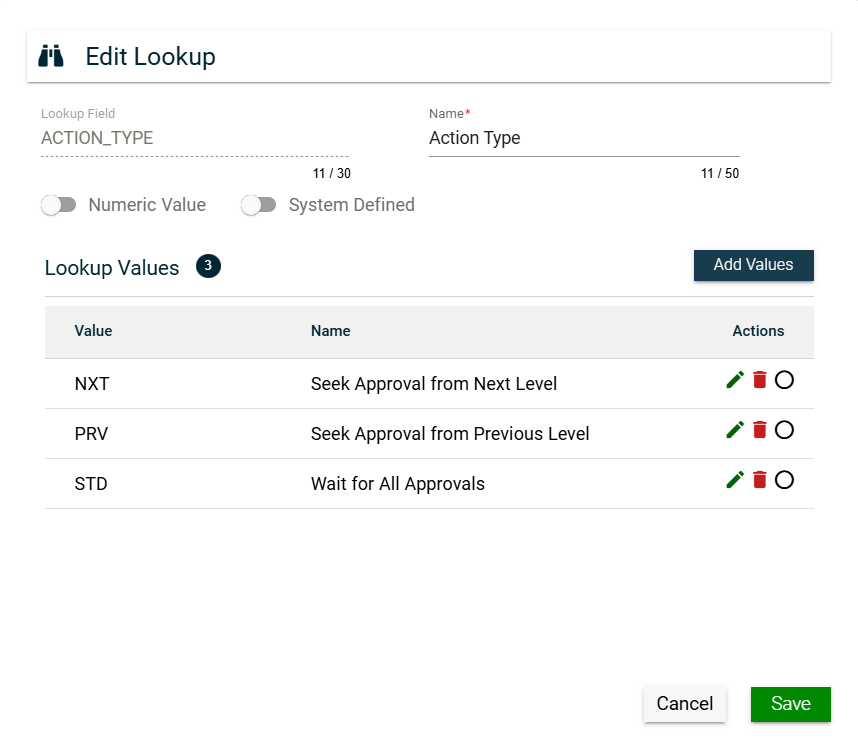
For lookup fields that are not system-defined, you can do the following:
- Edit the display name of a lookup field by updating the Name field.
- Edit the display name of a lookup value by clicking in the Actions column of the Lookup Values table and updating the Name column value.
- Add a lookup value by clicking Add Values and entering valid values in the Value and Name columns.
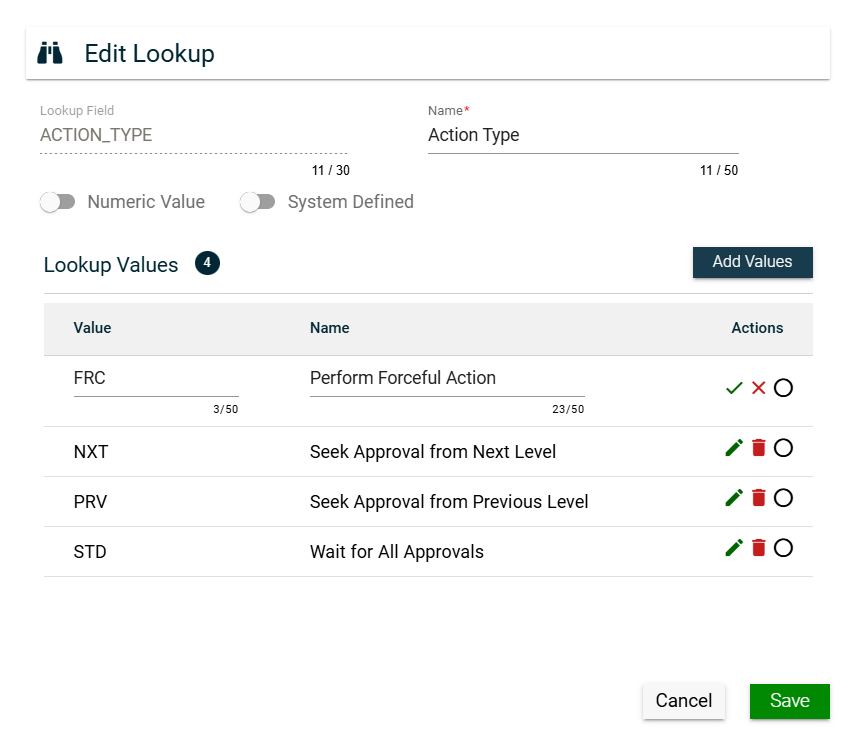
- Hide a lookup value by ticking
 .
. - Remove a lookup value from the list by clicking
 .
.
For lookup fields that are system-defined, you can do the following:
- Edit the display name of a lookup field by updating the Name field.
- Edit the display name of a lookup value by clicking in the Actions column of the Lookup Values table and updating the Name column value.
Search
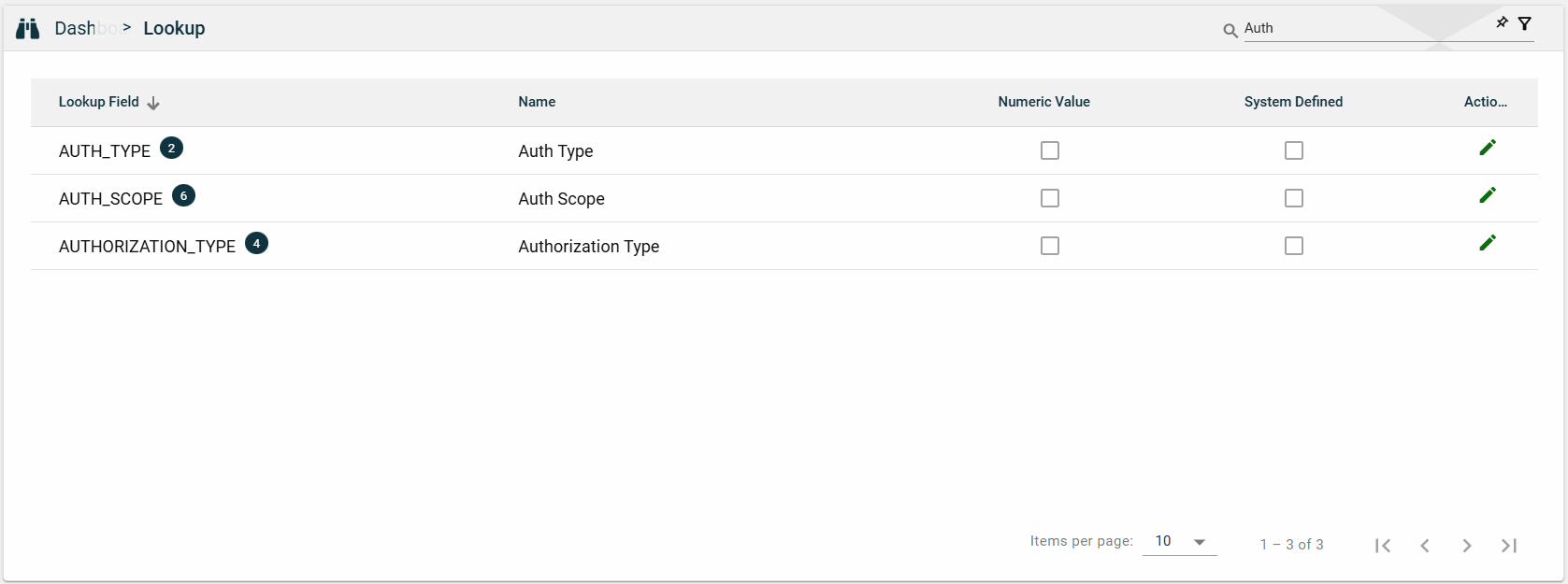
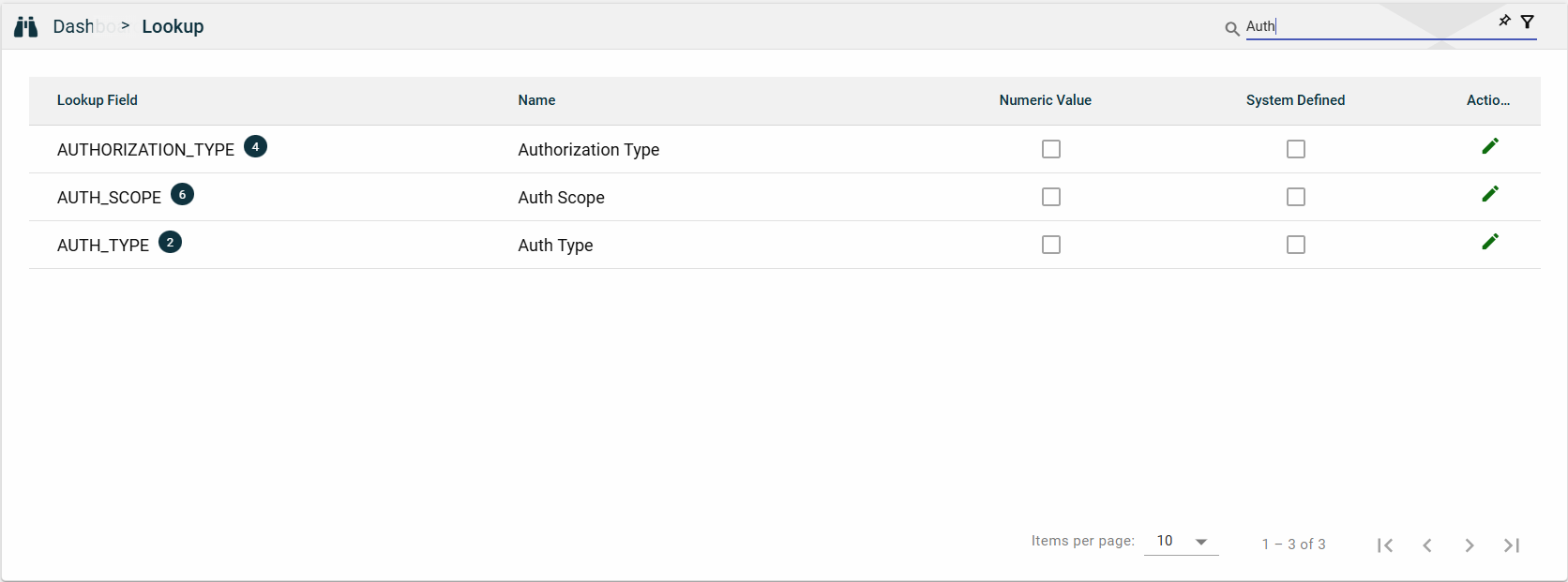
To search for an item on the Lookup page, enter a keyword for a Lookup Field or Name.
You can input a valid lookup field to search for an itemv or you can input a partial lookup name to search for an item.
Filter
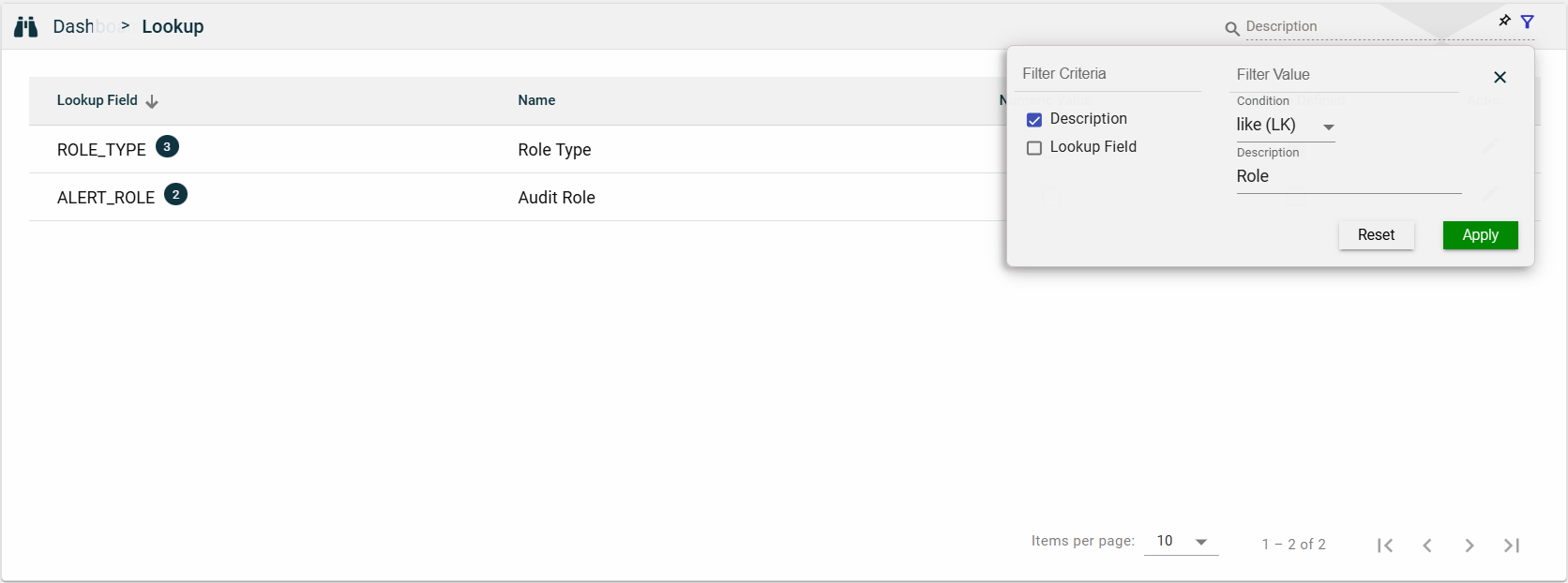
The following filters are available:
- Description
- Lookup Field
Sort
The following columns on the list view can be sorted:
- Lookup Field
- Name
- Numeric Value
- System Defined