Execution Profile
Overview
An Execution Profile is a configuration template that defines how a specific executable should run within the system. It allows users to create reusable execution settings in advance.
Create a new execution profile
To create an execution profile, follow these steps:
- Click the Create New button.
- Enter a unique name in the Execution Profile field.
- Add a description to provide more information about the execution profile.
- Search for and select an executable in the Executable (profile type) dropdown list.
After entering an executable, the following are automatically filled out:
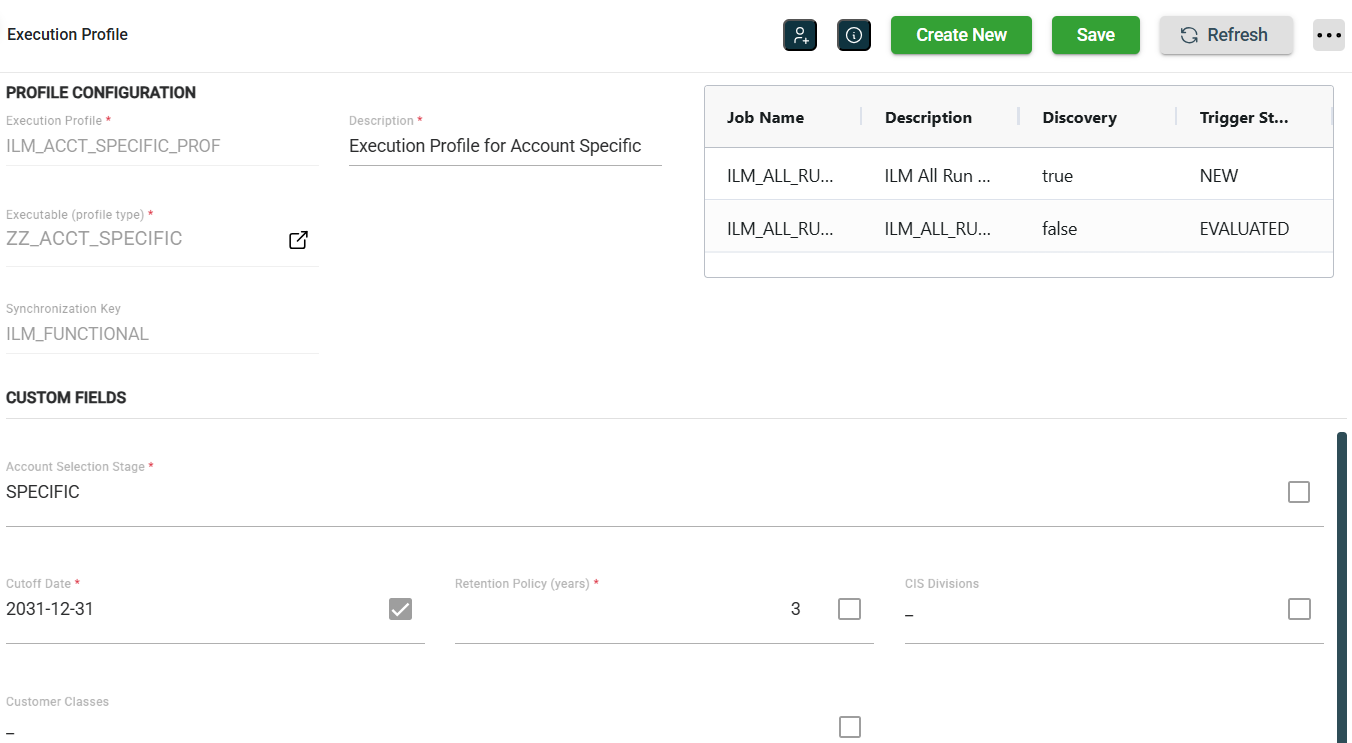
- Synchronization Key
- Custome Fields
- A table displaying the jobs associated with the selected executable
Modify a schedule
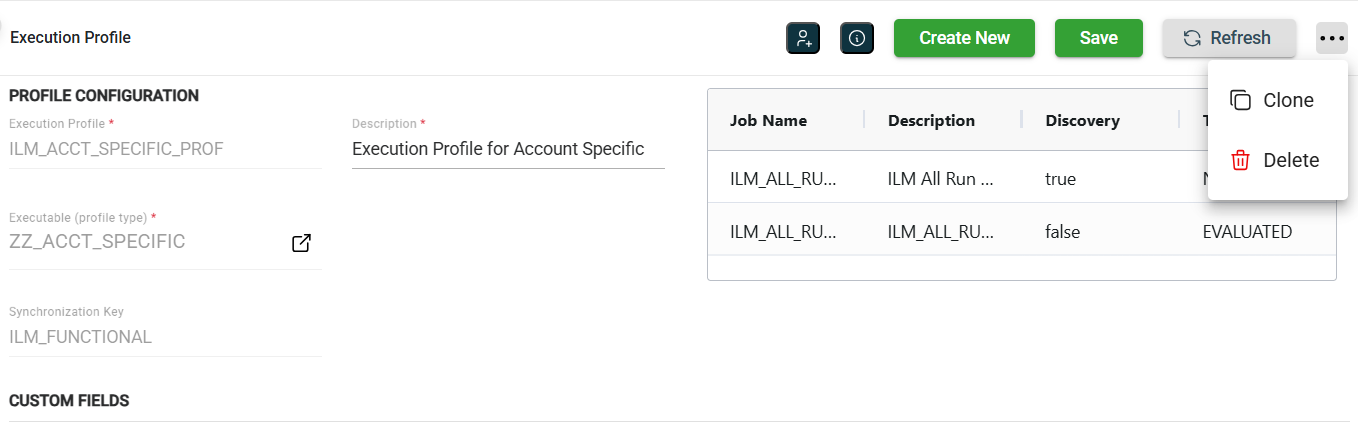
You can update the details of an existing profile. To make modifications, select the profile from the list on the left, then make the desired changes in the fields as needed. All fields can be modified. Click the Save button once your changes are complete.
Clone a service
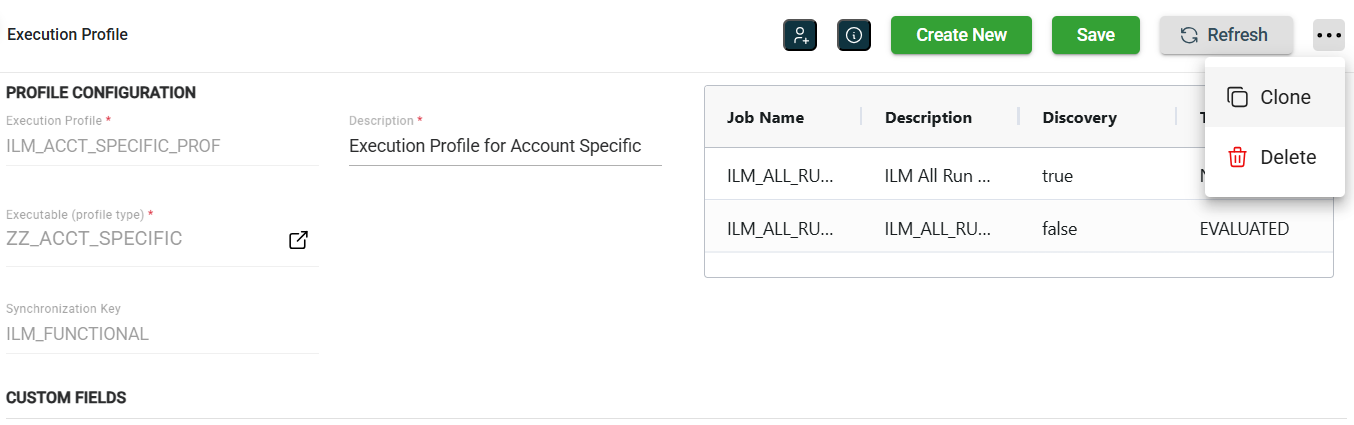
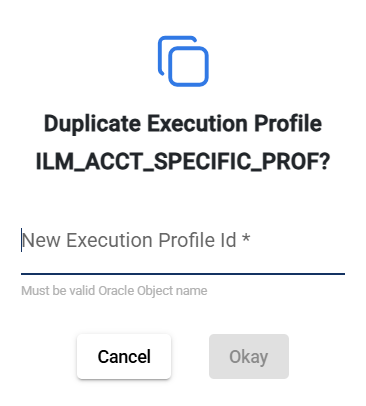
To clone a profile, click the  and select Clone.
You can also clone by clicking in the left pane.
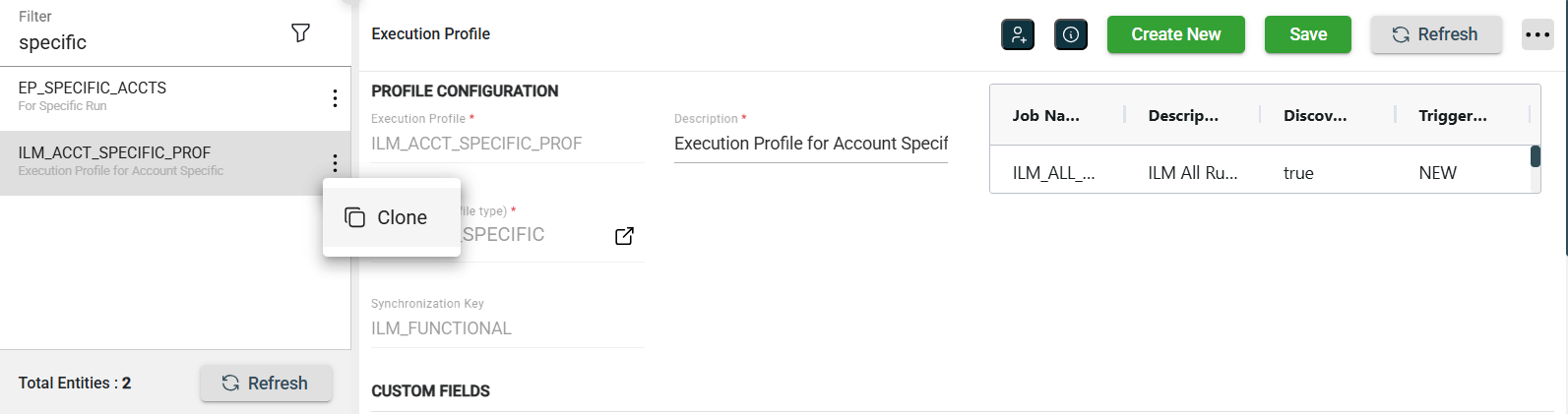
When you clone a profile, all metadata is duplicated except the Execution Profile Id.
Delete a profile
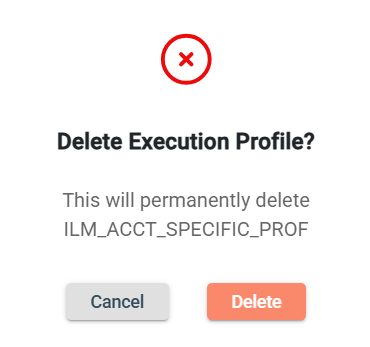
To delete a profile, click the and select Delete.
When deleting a profile, ensure that you are deleting the correct profile because it will be permanently removed from the system.
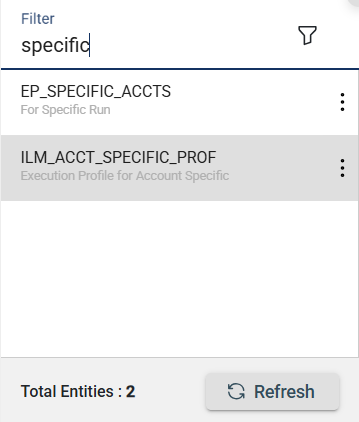
Filter
The Execution Profile module allows you to search for a profile by entering a partial or full schedule name in the Filter textbox.