Fuel
Overview
Fuel taxes are levies on petrol, diesel, and other types of fuel. These taxes are charged per gallon or per litre, depending on the country.
To access the Fuel tax form, navigate to Tax Form.
Submit a Fuel tax form
-
Verify that the values in the following fields are correct:
- Tax Identification Number — automatically populated based on the selected TIN.
- Taxpayer Name — automatically populated with the registered name associated with the selected TIN.
-
Select a date in the Period End Date dropdown list that shows all due dates of tax obligations associated with the entered TIN.
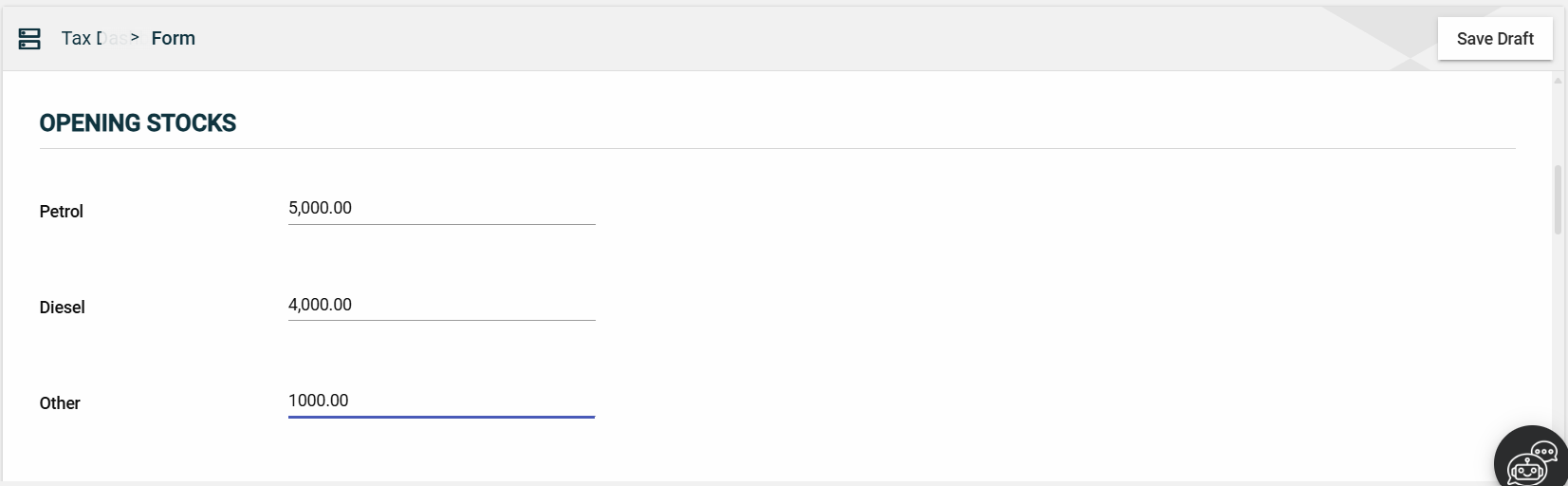
Opening Stocks
Enter valid values in the following mandatory fields:
- Petrol
- Diesel
- Other
Receipts in Litres
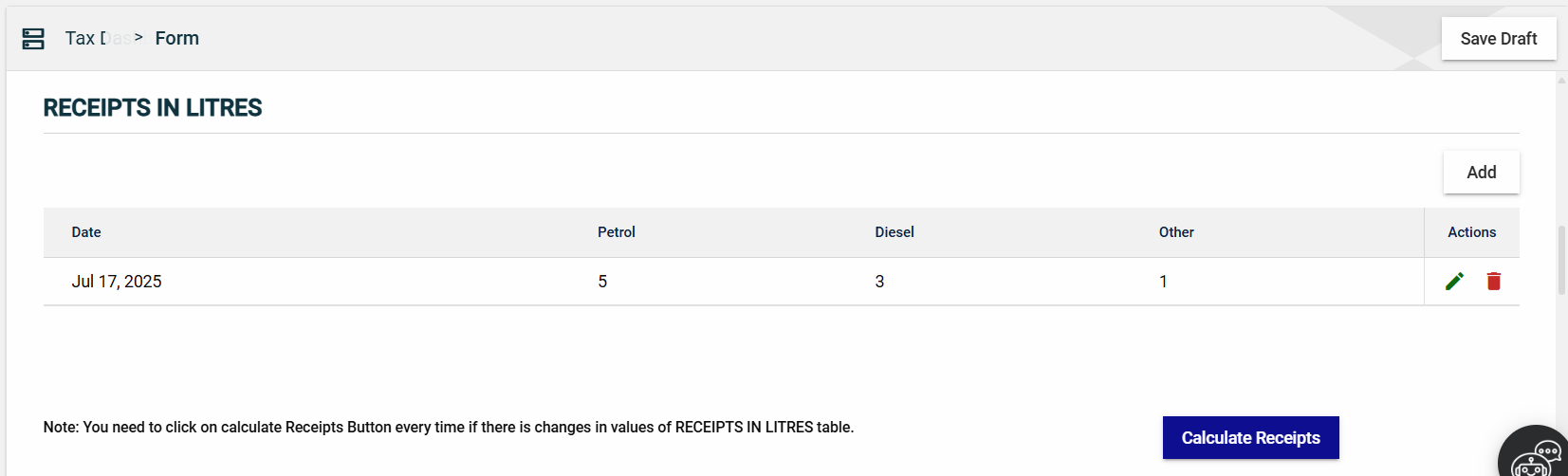
Adding Receipts
The amount of fuel in litres must be entered and calculated.
-
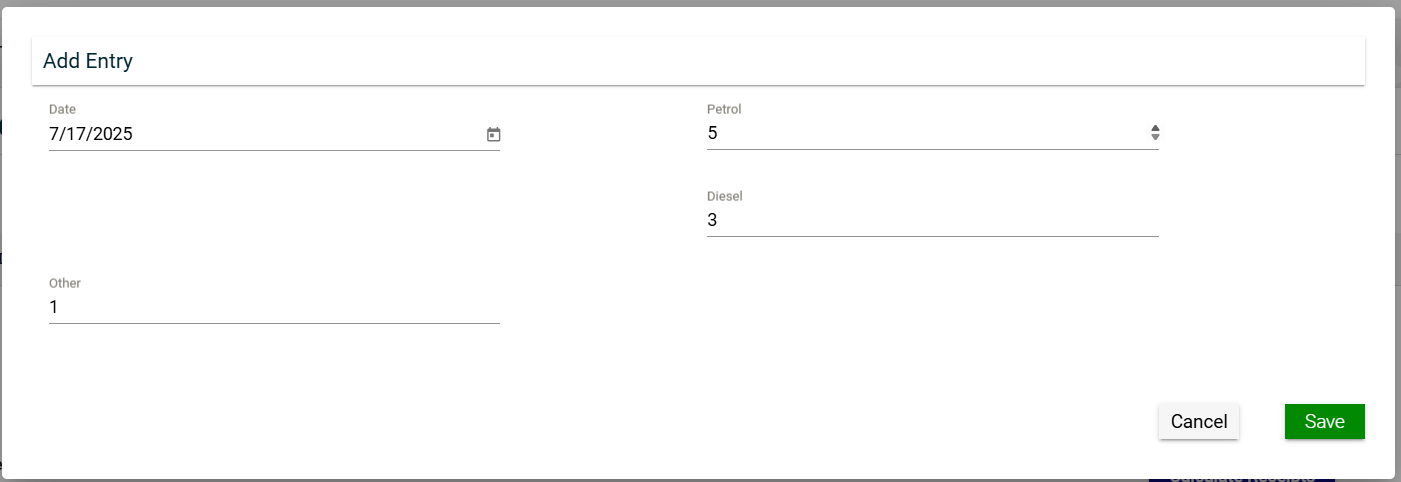
Click the Add button to open the Add Entry pop-up window.
-
In the Add Entry pop-up window, select the date and press the up and down buttons in the following fields to enter a number:
- Date
- Petrol
- Diesel
- Other
-
Click Save.
Calculating Receipts
Once you have added a receipt, it will be displayed in a table. Each receipt will have its own row, displaying important information. There is no limit to the number of rows. Click Calculate Receipts to [WHAT DOES THE BUTTON DO?]
Sales in Litres
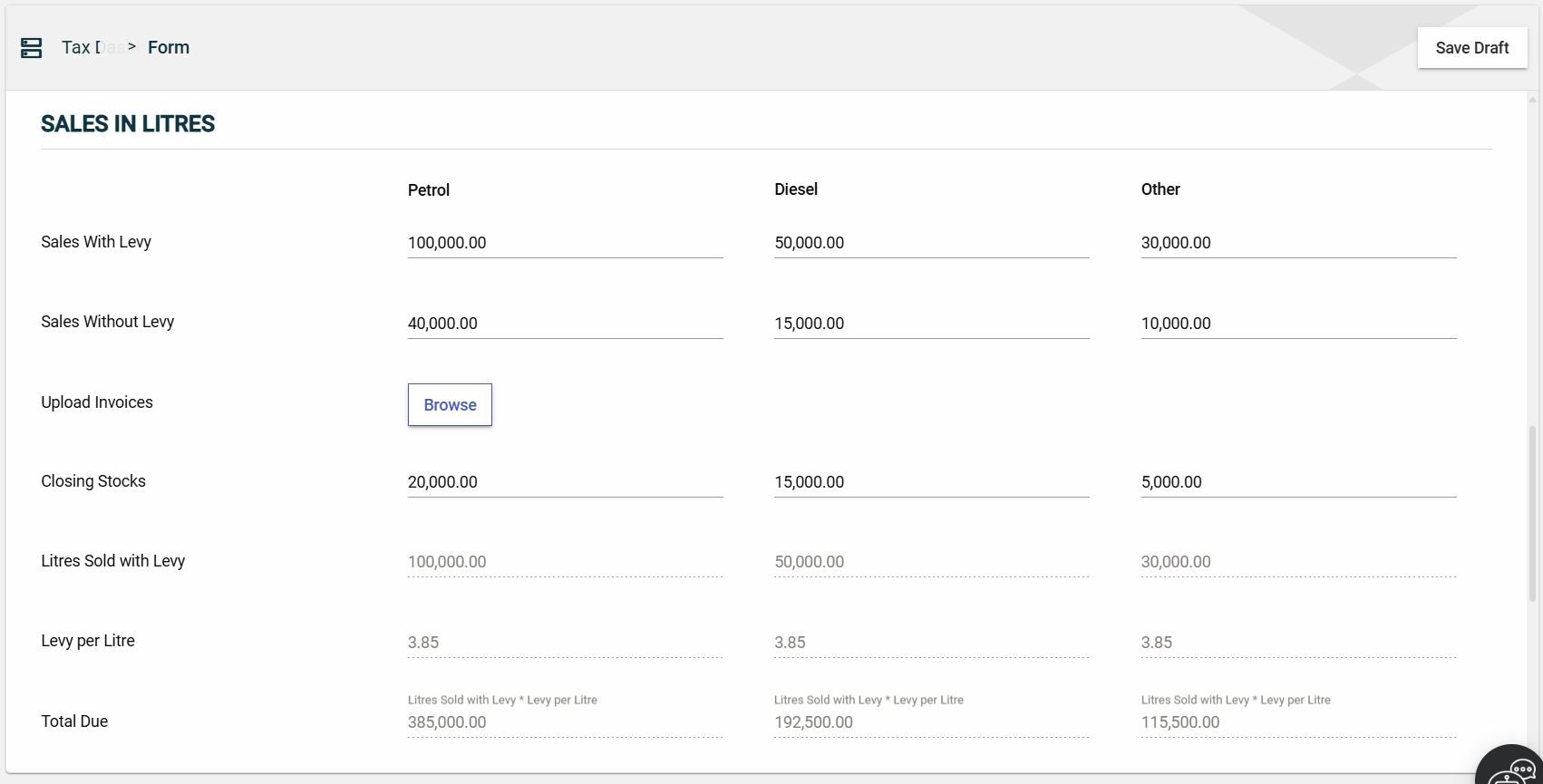
Enter valid values in the following fields:
-
Sales with Levy
- Petrol
- Diesel
- Other
-
Closing Stocks
- Petrol
- Diesel
- Other
The Litres Sold with Levy and Levy per Litre fields are automatically populated.
Total Tax Payable
Enter valid values in the left field under theTotal Value of Products Charged ATL at Importation For Which Levy Has Been Deferred section. The next field displays an additional two seven percent of the value entered in the previous field.

Total Payable
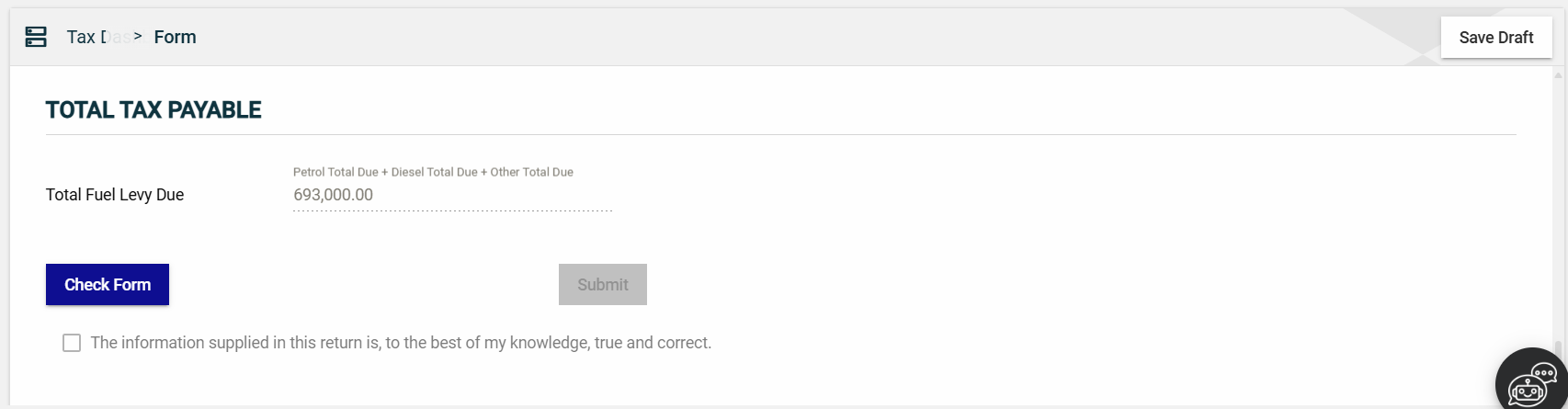
The Total Fuel Levy field is automatically populated with the sum of the following:
- Petrol Total Due
- Diesel Total Due
- Other Total Due
Submit the form
After filling out the mandatory fields, follow these steps:

-
Click Check Form to validate the entered information.
If errors are found, an error message is displayed. Correct the errors before clicking Check Form again to enable the Submit button.
-
Once validated, the Submit button will be enabled. Click Submit.
Save a draft
You can now save a draft of the filled-out tax form by clicking the Save Draft button at any time before submitting it.
Pending status.
